Description
YouCan Pay Payment Integration for WHMCS
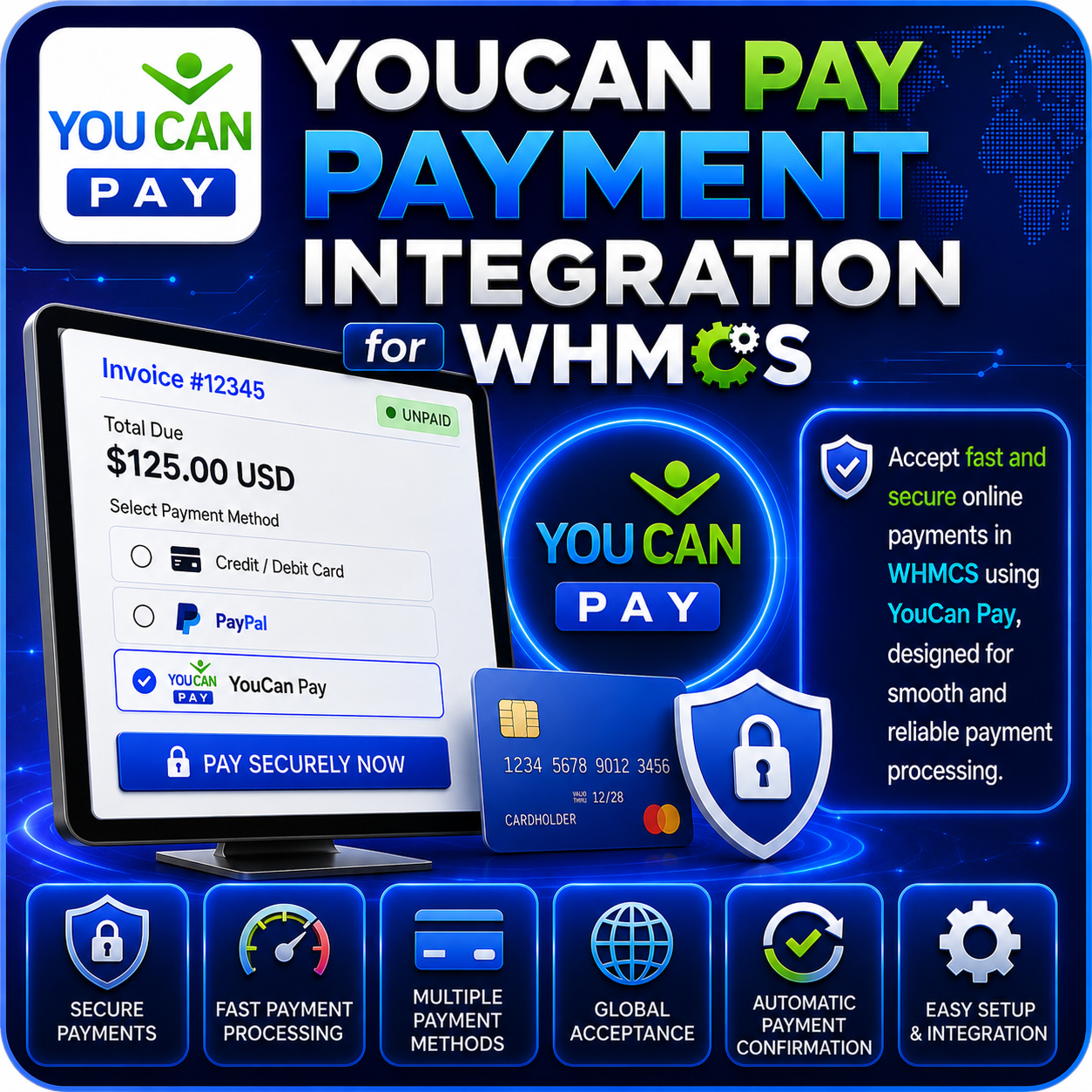
YouCan Pay Payment Integration for WHMCS connects your billing system with YouCan Pay, allowing customers to complete one-time credit card payments from their WHMCS invoices.
The module creates a tokenized payment request using the invoice number, amount, currency, and customer IP address. It then displays the YouCan Pay card form inside the invoice payment area and returns the customer to the invoice after processing.
Credit Card Payments for WHMCS
- Add YouCan Pay as a payment option for eligible WHMCS invoices.
- Accept customer-authorized one-time credit card payments.
- Use the invoice number as the YouCan Pay order reference.
- Send the WHMCS invoice amount and currency in the payment request.
- Return customers to their invoice after the payment attempt.
Embedded Payment Form
- Display the YouCan Pay credit card form within the WHMCS payment area.
- Keep customers on your website while they enter their payment details.
- Show payment errors in a dedicated message container.
- Provide a clear Pay Now button for completing the transaction.
- Use the YouCan Pay JavaScript payment library for form rendering and processing.
Tokenized Payment Requests
- Create a unique YouCan Pay payment token for each invoice payment attempt.
- Generate tokens using your private and public API keys.
- Convert the WHMCS invoice total into the minor currency unit expected by the gateway.
- Associate the token with the invoice number and customer IP address.
- Use the token when submitting the customer’s payment through YouCan Pay.
WHMCS Invoice Processing
- Receive the order and transaction references returned after a successful payment.
- Apply the reported payment to the corresponding WHMCS invoice.
- Store the YouCan Pay transaction ID with the invoice payment.
- Redirect the customer back to the invoice after processing.
- Record successful and unsuccessful invoice-update attempts in the WHMCS transaction log.
Sandbox Testing
- Enable YouCan Pay sandbox mode from the WHMCS gateway settings.
- Test token creation and the embedded card form before going live.
- Verify the customer payment experience using test credentials.
- Switch between sandbox and production environments without editing module files.
- Disable sandbox mode when your live YouCan Pay account is ready.
Simple Administrator Setup
- Install the integration as a WHMCS payment gateway.
- Enter the public key supplied by YouCan Pay.
- Configure the corresponding private API key.
- Choose whether the gateway should use sandbox or live mode.
- Manage the integration through the WHMCS payment settings.
Customer-Friendly Experience
- Complete payment without navigating through a complicated external flow.
- Use a clean card form rendered by YouCan Pay.
- View payment errors in the invoice payment area.
- Return directly to the relevant invoice after payment.
- Use a responsive browser-based payment experience.
Why Choose This Module?
- Embedded Checkout: Let customers enter card details from the WHMCS payment area.
- Tokenized Requests: Create a dedicated payment token for each invoice transaction.
- Automatic Invoice Updates: Apply successfully reported payments to WHMCS invoices.
- Transaction References: Store the returned YouCan Pay transaction ID.
- Sandbox Support: Test the integration before accepting live payments.
- Simple Configuration: Connect using your YouCan Pay public and private keys.
Ideal For
- Web hosting companies
- SaaS and digital service providers
- Freelancers and agencies
- Online businesses using WHMCS
- Merchants with an active YouCan Pay account
Connect YouCan Pay with WHMCS
YouCan Pay Payment Integration for WHMCS provides an embedded one-time card payment experience for your customers. With tokenized payment requests, invoice and currency integration, sandbox testing, transaction references, and WHMCS payment logging, it brings YouCan Pay card processing into your existing billing workflow.