Description
Secure Payment Processing
GreenInvoice Payment Integration for WHMCS
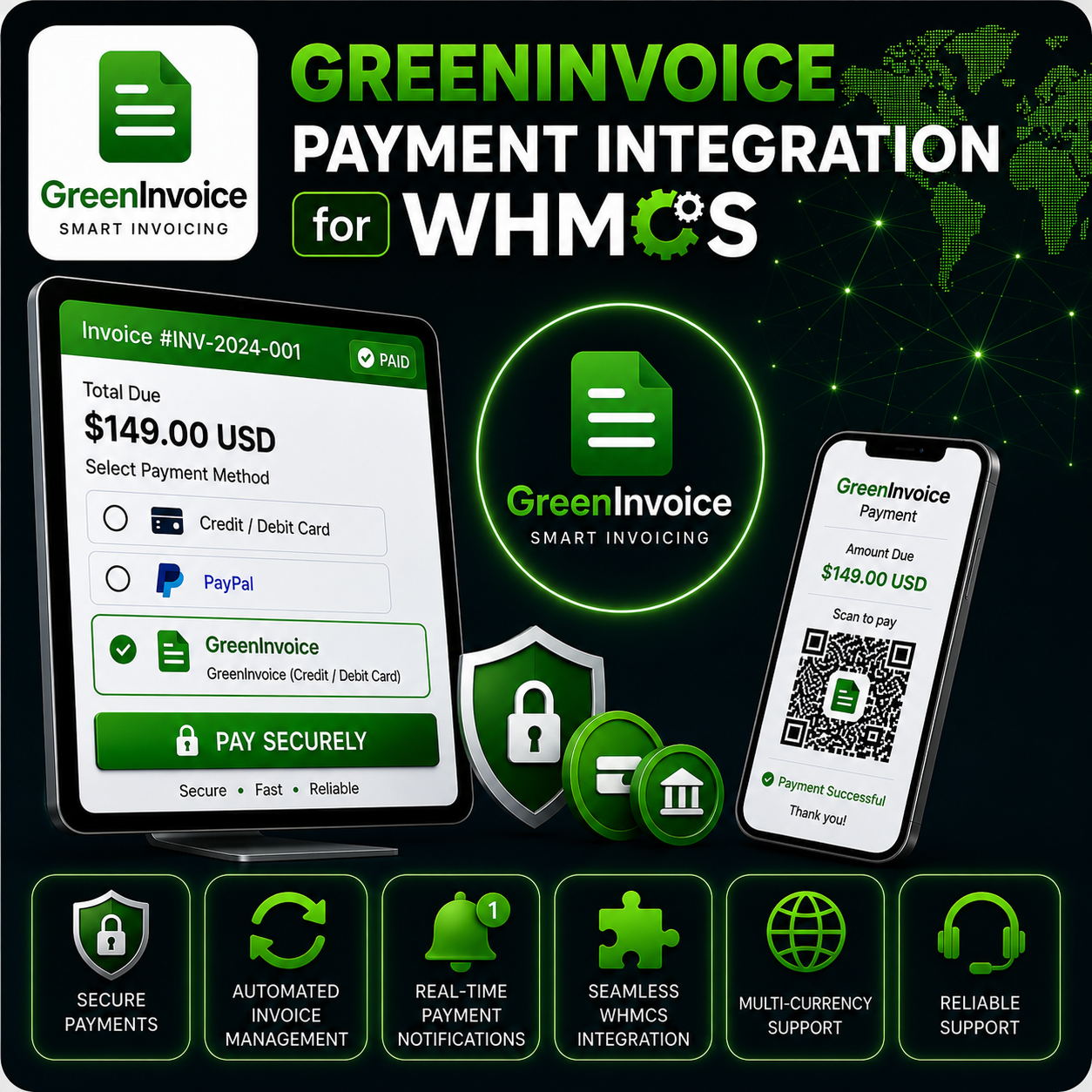
GreenInvoice Payment Integration for WHMCS allows your business to accept payments through GreenInvoice while keeping the customer payment journey connected to the WHMCS invoice page.
The module creates a GreenInvoice payment form using the WHMCS invoice amount, currency, client details, and invoice reference, then records successful payment notifications back inside WHMCS.
Embedded Payment Experience
Instead of sending customers through a disconnected payment flow, the module loads the GreenInvoice payment form inside the invoice payment screen. This creates a smoother checkout experience while still using GreenInvoice for secure payment processing.
Core Features
- GreenInvoice API Integration: Connect WHMCS using your API key, secret key, and plugin ID.
- Embedded Payment Form: Display the GreenInvoice payment form directly within the WHMCS invoice payment area.
- JWT Token Authentication: Requests an access token before creating payment forms.
- Invoice-Based Payments: Sends the WHMCS invoice amount, currency, description, and invoice ID to GreenInvoice.
- Client Details Transfer: Includes customer name, email, address, city, country, phone, and tax information where available.
- Success and Failure Return Pages: Redirect customers back to the correct WHMCS invoice result page after payment.
- Payment Notification Callback: Receives GreenInvoice payment notifications and applies successful payments to WHMCS invoices.
- Test Mode Support: Switch between sandbox and live GreenInvoice environments from gateway settings.
Customer Payment Flow
- The customer opens an unpaid WHMCS invoice.
- GreenInvoice is selected as the payment method.
- The module creates a payment form for the invoice amount and customer details.
- The payment form loads inside the WHMCS payment screen.
- After successful payment, WHMCS receives the notification and updates the invoice.
Admin Configuration
- Enter your GreenInvoice API key.
- Add your GreenInvoice secret key.
- Configure the plugin ID required by GreenInvoice.
- Enable test mode for sandbox payment testing.
- Switch to live mode when you are ready to accept real payments.
Why Choose This Module?
- Smoother Checkout: Let clients pay from the invoice page without unnecessary navigation.
- Automated Invoice Updates: Successful payment notifications can automatically mark WHMCS invoices as paid.
- Cleaner Billing Records: WHMCS invoice IDs are passed to GreenInvoice for better payment matching.
- Sandbox Testing: Test the payment flow before enabling live transactions.
- Business-Friendly Setup: Designed for companies already using GreenInvoice for payment and invoice workflows.
Ideal For
- Web hosting companies
- SaaS and subscription businesses
- Digital service providers
- Agencies and freelancers
- Businesses using GreenInvoice for payment processing
Requirements
A GreenInvoice account, API key, secret key, plugin ID, and PHP cURL support are required. The WHMCS installation must be able to receive the GreenInvoice notify callback URL for automatic invoice updates.
Accept GreenInvoice Payments in WHMCS
GreenInvoice Payment Integration for WHMCS helps you connect payment form creation, customer checkout, payment notifications, and WHMCS invoice updates into one practical billing workflow.