Description
Adyen Payment Integration for WHMCS
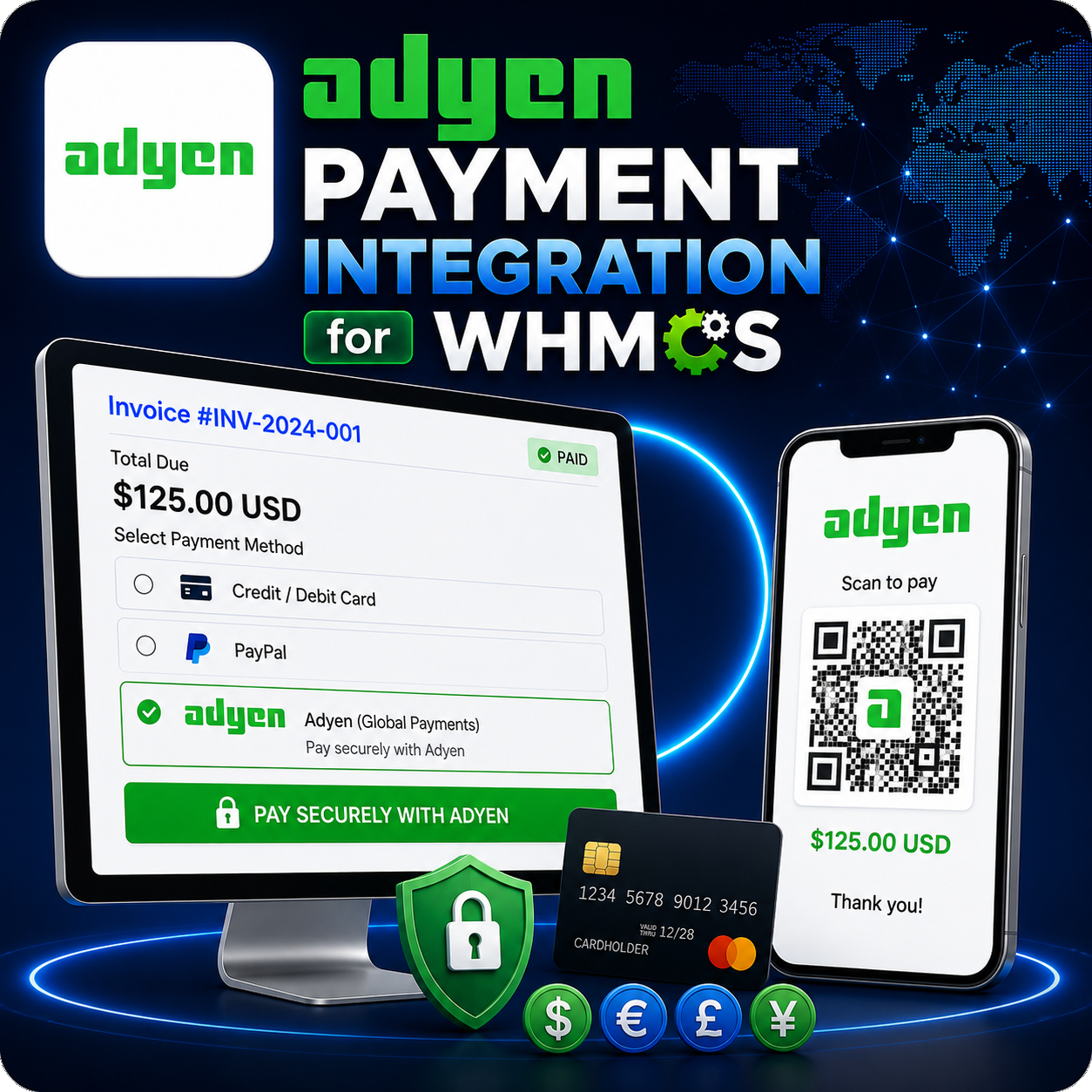
Adyen Payment Integration for WHMCS connects your WHMCS billing system with the Adyen Checkout API, giving customers a convenient way to pay eligible invoices using supported card payment methods.
The integration sends the invoice amount, currency, order reference, and merchant details to Adyen. Successfully authorized transactions can then be recorded against the corresponding WHMCS invoice.
Adyen Card Payments for WHMCS
- Add Adyen as a card payment option in WHMCS.
- Process customer-authorized payments for eligible invoices.
- Send the invoice amount and currency through the Adyen Checkout API.
- Use the WHMCS invoice number as the merchant payment reference.
- Record authorized transactions against the correct invoice.
Adyen Checkout API Integration
- Connect using an Adyen API key.
- Assign the payment to your configured Adyen merchant account.
- Send payment requests through Adyen’s test or live environment.
- Use Adyen’s official PHP API library for gateway communication.
- Receive and evaluate the payment authorization result.
Automatic Invoice Processing
- Associate each payment with its WHMCS invoice reference.
- Recognize successfully authorized Adyen payment responses.
- Apply successful payments to the corresponding WHMCS invoice.
- Store available Adyen payment references for future identification.
- Return customers to the invoice after successful processing.
Test and Live Environments
- Enable Adyen test mode from the WHMCS gateway settings.
- Verify API credentials and payment behavior before launch.
- Switch to Adyen’s live environment when the merchant account is ready.
- Keep test and production processing clearly separated.
- Manage the environment without modifying module files.
Simple Administrator Configuration
- Enter the Adyen X-API key in the WHMCS gateway settings.
- Configure the Adyen merchant account name.
- Choose between test and live processing environments.
- Activate or deactivate the gateway through WHMCS.
- Install the integration without modifying WHMCS core files.
Transaction Logging
- Record successful payment processing in the WHMCS transaction log.
- Record unsuccessful authorization results for administrator review.
- Store available merchant and recurring-detail references.
- Use payment records to assist with transaction investigation.
- Keep invoice payment activity within the WHMCS billing workflow.
Why Choose This Module?
- Adyen Integration: Connect WHMCS billing with Adyen’s global payment infrastructure.
- API-Based Processing: Send payment requests through the Adyen Checkout API.
- Automatic Invoice Updates: Apply successfully authorized payments to WHMCS invoices.
- Environment Control: Test the integration before enabling live transactions.
- Transaction Records: Keep payment results available in WHMCS.
- Simple Setup: Configure the gateway using an API key and merchant account.
Ideal For
- Web hosting companies
- SaaS and subscription businesses
- International digital service providers
- Agencies and online businesses using WHMCS
- Merchants with an approved Adyen account
Connect Adyen with Your WHMCS Billing
Adyen Payment Integration for WHMCS brings API-based card processing into your billing workflow. With merchant-account configuration, test and live environments, payment authorization handling, invoice updates, and transaction logging, it provides a direct connection between WHMCS and Adyen.