Description
WiPay Payment Integration for WHMCS
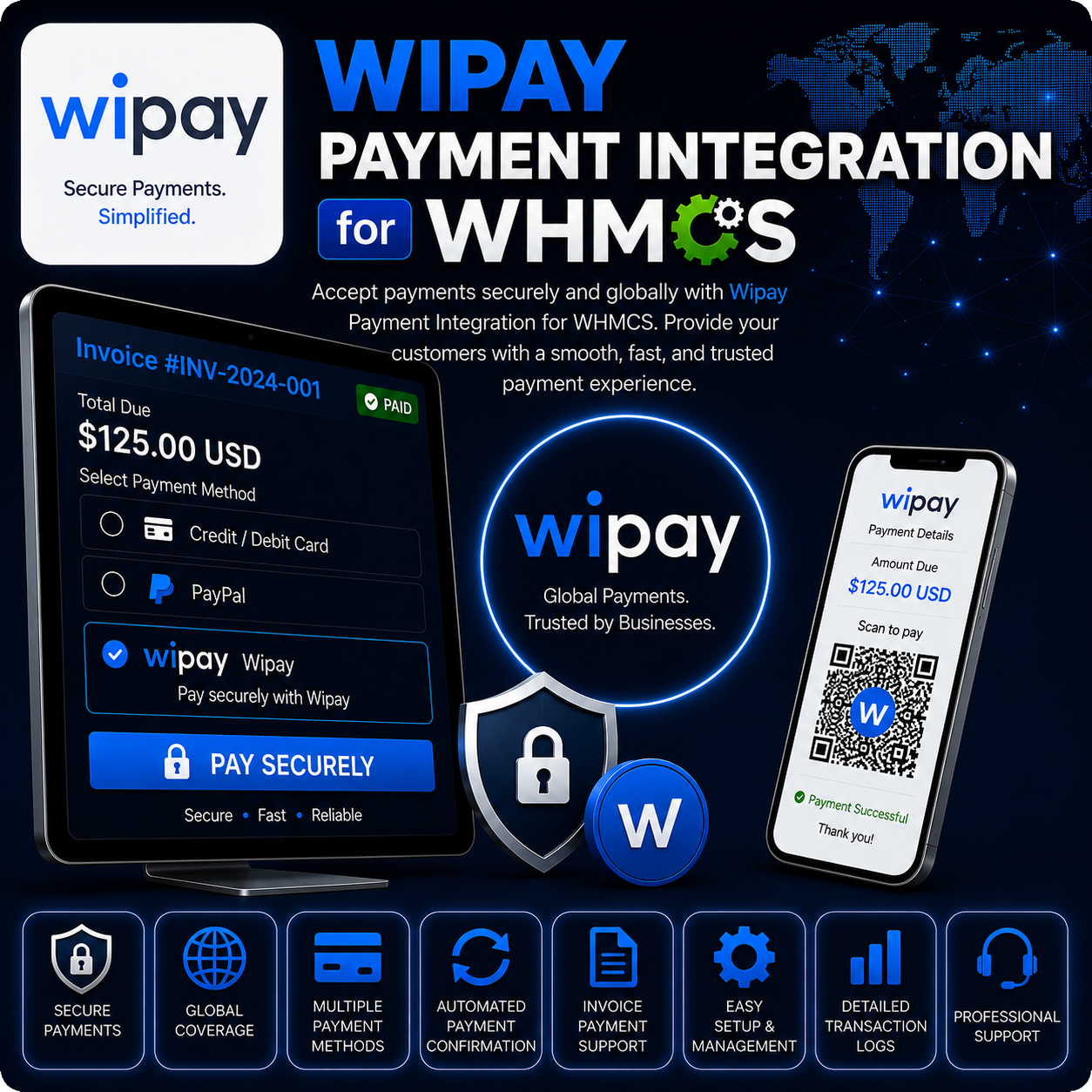
WiPay Payment Integration for WHMCS allows businesses to accept Trinidad and Tobago Dollar payments through WiPay’s hosted credit-card checkout. Customers can pay WHMCS invoices through a familiar external payment page while successful transactions are returned to WHMCS for invoice processing and record keeping.
The integration keeps the payment flow straightforward for customers and gives administrators the essential configuration, testing, and transaction tools needed to add WiPay to their WHMCS billing system.
Secure Hosted Card Checkout
When a customer selects WiPay, WHMCS securely transfers the invoice and customer information required to begin payment. The customer is redirected to WiPay’s hosted checkout to enter their card details, so sensitive card information is not collected through the local WHMCS payment form.
Core Features
- WiPay Hosted Payments: Redirect customers to WiPay’s hosted payment page to complete card payments.
- Automatic Invoice Updates: Apply successful payments to the corresponding WHMCS invoice.
- Customer Information Transfer: Pass relevant customer and order information to create a smoother checkout experience.
- Transaction Logging: Record gateway responses and transaction details inside WHMCS for easier administration.
- Duplicate Transaction Protection: Check transaction references before applying payments to invoices.
- Sandbox Mode: Test the payment workflow before enabling the gateway for live customer payments.
- Live Mode: Process production payments using your approved WiPay merchant credentials.
- Merchant-Absorbed Fee Structure: Submit checkout requests using the configured merchant-absorbed fee option.
TTD Payment Processing
This integration is designed for payments in Trinidad and Tobago Dollars (TTD). Your WHMCS installation should use TTD as its default currency or configure TTD as the gateway’s processing currency when selling in additional currencies.
Customer Payment Experience
- Select WiPay from the available payment methods on a WHMCS invoice.
- Continue to the secure WiPay hosted checkout page.
- Enter card details and complete the payment through WiPay.
- Return to WHMCS after the payment response is processed.
- View the updated invoice status after a successful transaction.
Simple Admin Configuration
Administrators can configure the gateway from the WHMCS payment gateway settings using their WiPay Account Number and API Key. Sandbox mode can be enabled during setup, allowing the complete customer payment flow to be tested before launch.
Why Choose This Integration?
- Offer a Local Payment Option: Provide a payment method designed for businesses serving customers in Trinidad and Tobago.
- Keep Checkout Simple: Let customers complete card payments through WiPay’s hosted interface.
- Reduce Manual Billing Work: Automatically connect successful transactions with WHMCS invoices.
- Test Before Going Live: Use sandbox mode to confirm configuration and payment behavior.
- Maintain Payment Records: Review transaction activity through the WHMCS gateway log.
Ideal For
- Web hosting providers in Trinidad and Tobago
- SaaS and subscription-based service businesses
- Digital agencies and online service providers
- Businesses already using a WiPay merchant account
- WHMCS businesses that need TTD card payment processing
Requirements
- An active WHMCS installation
- An approved WiPay merchant account
- WiPay Account Number and API Key
- A website registered with WiPay
- TTD configured as the payment processing currency
- An active module license
Conclusion
WiPay Payment Integration for WHMCS provides a practical way to accept TTD card payments through a hosted WiPay checkout. With sandbox testing, automatic invoice handling, transaction records, and a customer-friendly payment flow, it helps local businesses add WiPay to WHMCS with less manual administration.