Description
High-Risk Payment Gateway
Ovipay Payment Integration for WHMCS
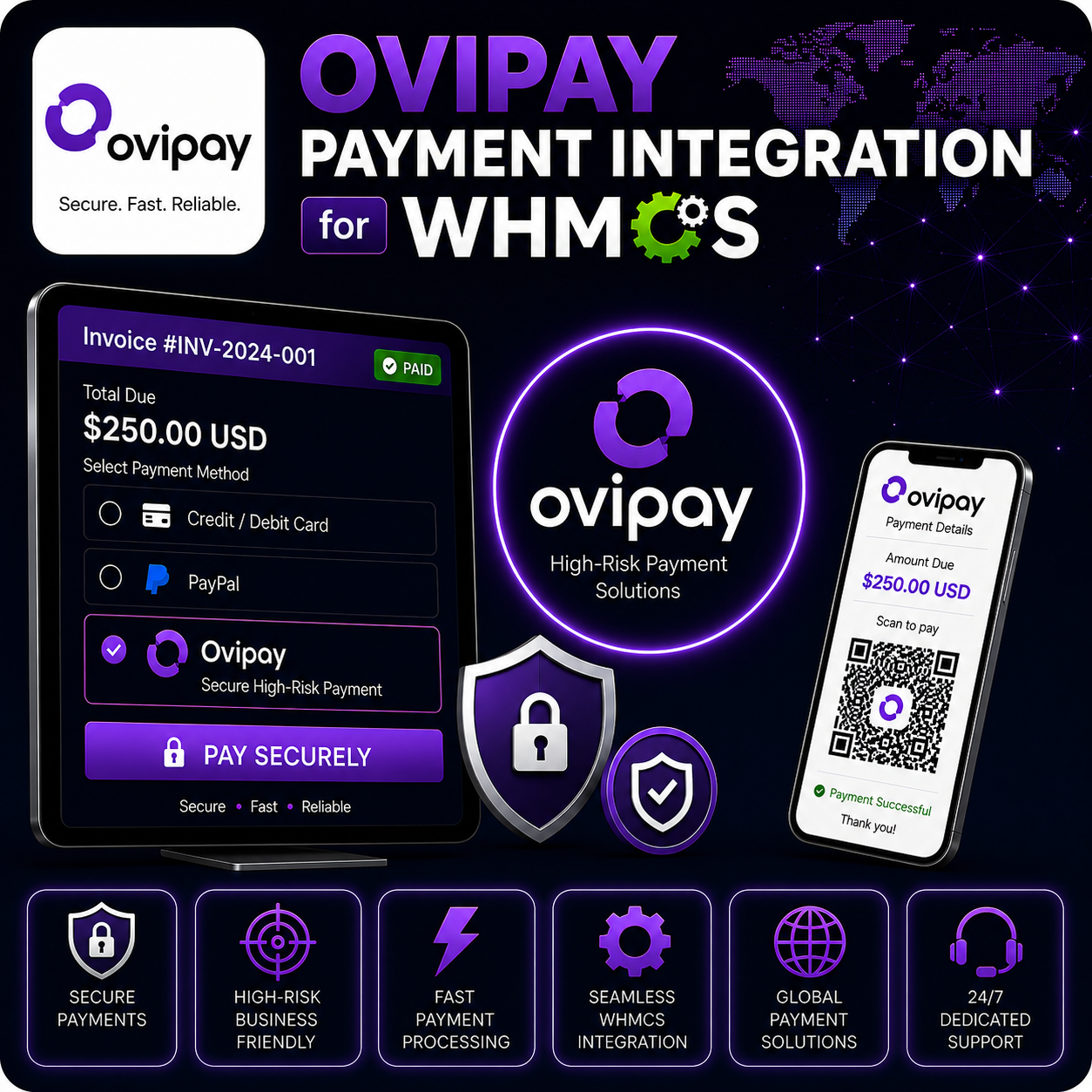
Ovipay Payment Integration for WHMCS allows businesses to accept online payments through Ovipay directly from WHMCS invoices. It is especially useful for high-risk businesses that need a reliable payment gateway option connected to their billing workflow.
The module posts invoice details to Ovipay’s hosted checkout, sends the customer to complete payment securely, verifies signed payment callbacks, and records successful transactions inside WHMCS.
Reliable Checkout for High-Risk Businesses
Many online businesses need flexible payment processing beyond standard gateways. Ovipay gives your WHMCS customers a dedicated hosted checkout option while keeping invoice creation, payment tracking, and transaction recording connected to WHMCS.
Core Features
- Ovipay Hosted Checkout: Redirect customers to Ovipay’s secure checkout endpoint to complete payment.
- Public and Private Key Setup: Configure gateway access using your Ovipay public and private keys.
- Invoice-Based Payments: Send the WHMCS invoice ID, amount, description, and customer email to Ovipay.
- Amount Conversion: Sends the invoice amount in the format expected by Ovipay checkout.
- Signed Callback Verification: Validates payment notifications using the Ovipay signature header and private key.
- Status-Based Processing: Applies payment only when the Ovipay transaction status is marked as succeeded.
- Duplicate Transaction Protection: Uses WHMCS transaction validation before recording payment.
- Test Mode: Enable test checkout mode while validating the payment flow.
Customer Payment Flow
- The customer opens an unpaid WHMCS invoice.
- They choose Ovipay as the payment method.
- WHMCS sends the invoice amount, order ID, and customer email to Ovipay.
- The customer completes payment through Ovipay’s hosted checkout.
- Ovipay sends a signed callback and WHMCS records the payment after verification.
Security and Validation
The callback handler checks the transaction status and validates the `X-OVIPAY-SIGNATURE` header using the configured private key. If verification fails, the transaction is logged as a hash verification failure and the invoice is not marked paid.
WHMCS invoice ID and transaction ID validation are also used to reduce duplicate or mismatched payment records.
Admin Configuration
- Enter your Ovipay Public Key.
- Enter your Ovipay Private Key for callback verification.
- Enable test mode while testing checkout behavior.
- Offer Ovipay as a payment method on WHMCS invoices.
Why Choose This Module?
- High-Risk Friendly: Add a payment option designed for businesses that may not fit standard gateway requirements.
- Hosted Payment Experience: Customers complete checkout securely through Ovipay.
- Automated Invoice Handling: Successful verified payments are recorded inside WHMCS.
- Signed Callback Protection: Payment notifications are verified before processing.
- Simple Setup: Configure keys, enable the gateway, and start testing from WHMCS.
Ideal For
- High-risk online businesses
- Digital service providers
- Web hosting companies
- SaaS and subscription businesses
- WHMCS businesses needing an Ovipay checkout option
Requirements
An active Ovipay merchant account, Public Key, Private Key, webhook/callback access, and PHP cURL support are required. Payment approval and supported business categories depend on Ovipay’s merchant policies.
Accept Ovipay Payments in WHMCS
Ovipay Payment Integration for WHMCS helps businesses offer a hosted high-risk payment option while keeping invoice payment updates, transaction logging, and callback verification inside WHMCS.