Description
UK Payment Gateway
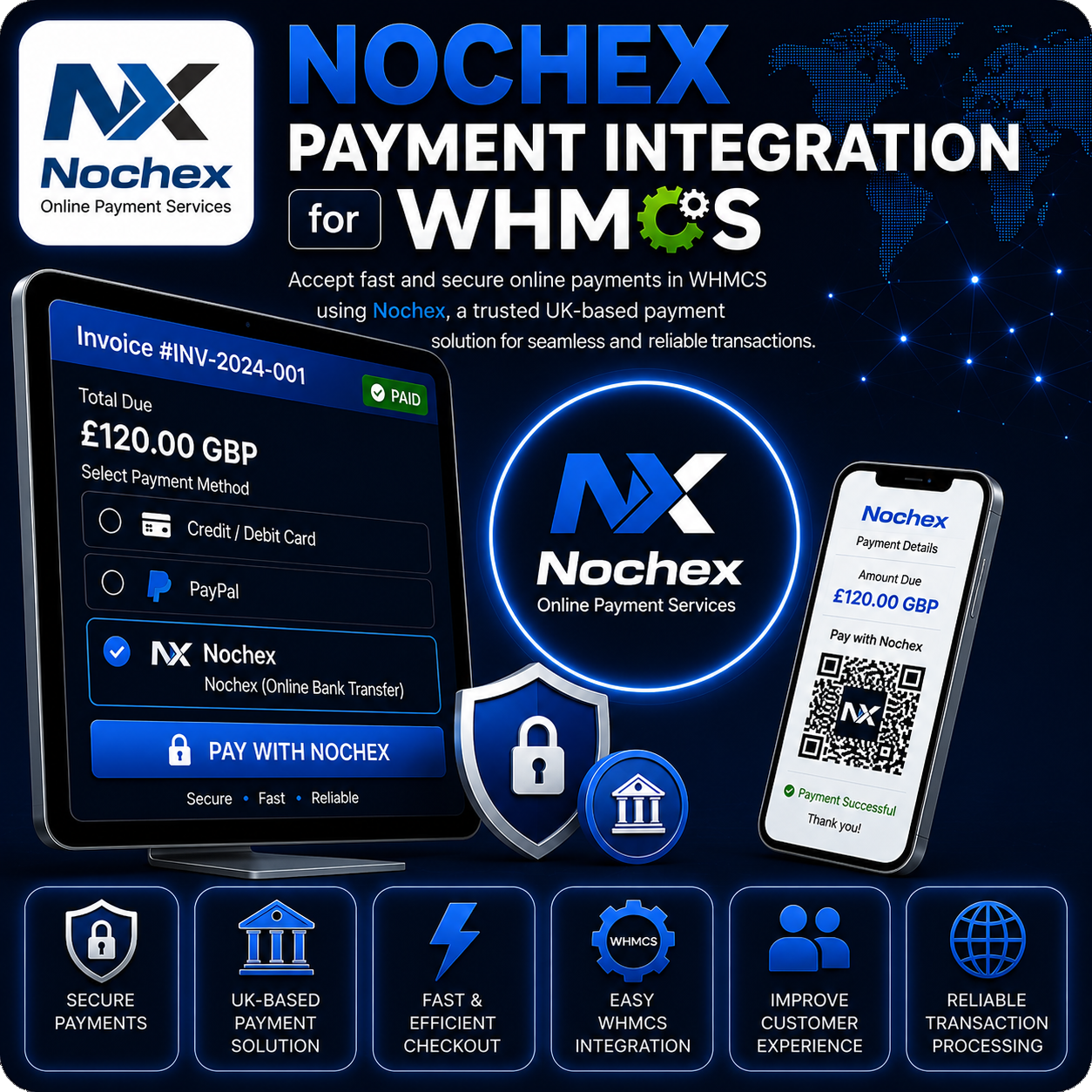
Nochex Payment Integration for WHMCS
Nochex Payment Integration for WHMCS allows businesses to accept online payments through Nochex, a UK-focused payment solution, directly from WHMCS invoices.
The module creates a payment form using the WHMCS invoice amount, invoice ID, customer billing details, and return URLs, then sends customers to the secure Nochex checkout page to complete payment.
Hosted Checkout for WHMCS Invoices
Keep WHMCS as your billing system while allowing Nochex to handle the customer payment page. Customers can start payment from their invoice and return to WHMCS after a successful, cancelled, or declined transaction.
Core Features
- Nochex Merchant Integration: Connect WHMCS using your Nochex Merchant ID.
- Hosted Payment Redirect: Submit customers to the secure Nochex payment page.
- Invoice-Based Payments: Pass the WHMCS invoice ID, invoice description, and payment amount to Nochex.
- Customer Billing Details: Send customer name, address, postcode, phone number, and email address to prefill payment details.
- Success, Cancel, and Decline URLs: Return customers to the correct WHMCS invoice result page.
- Callback URL Support: Includes responder and callback URL fields for payment notifications.
- Hide Billing Details Option: Optionally prevent repeated customer billing details from displaying on the Nochex page.
- Test Mode: Enable Nochex test transaction mode while validating the checkout process.
Customer Payment Flow
- The customer opens an unpaid WHMCS invoice.
- They select Nochex as the payment method.
- WHMCS sends invoice and billing information to the secure Nochex checkout.
- The customer completes, cancels, or declines payment on Nochex.
- The customer is redirected back to the appropriate WHMCS invoice page.
Admin Configuration
- Enter the Nochex Merchant ID registered with your Nochex account.
- Choose whether customer billing details should be shown on the Nochex payment page.
- Enable test mode for test transactions.
- Offer Nochex as an invoice payment method inside WHMCS.
Why Choose This Module?
- UK Payment Option: Add a trusted UK-based payment method to WHMCS invoices.
- Simple Checkout: Redirect customers to Nochex for secure payment completion.
- Better Payment Context: Send invoice and customer billing information to improve payment clarity.
- Flexible Display: Hide repeated billing details when preferred.
- Testing Support: Validate the payment flow before accepting live payments.
Ideal For
- UK-based online businesses
- Web hosting companies
- SaaS and digital service providers
- Agencies and freelancers
- WHMCS businesses that want to offer Nochex payments
Requirements
A valid Nochex merchant account and Merchant ID are required. Payment availability, supported cards, and settlement rules depend on your Nochex account configuration.
Add Nochex Payments to WHMCS
Nochex Payment Integration for WHMCS provides a straightforward way to send customers from WHMCS invoices to secure Nochex checkout while keeping invoice references and billing details connected.