Description
Square Cash App Pay Gateway
Cash App Payment Integration for WHMCS
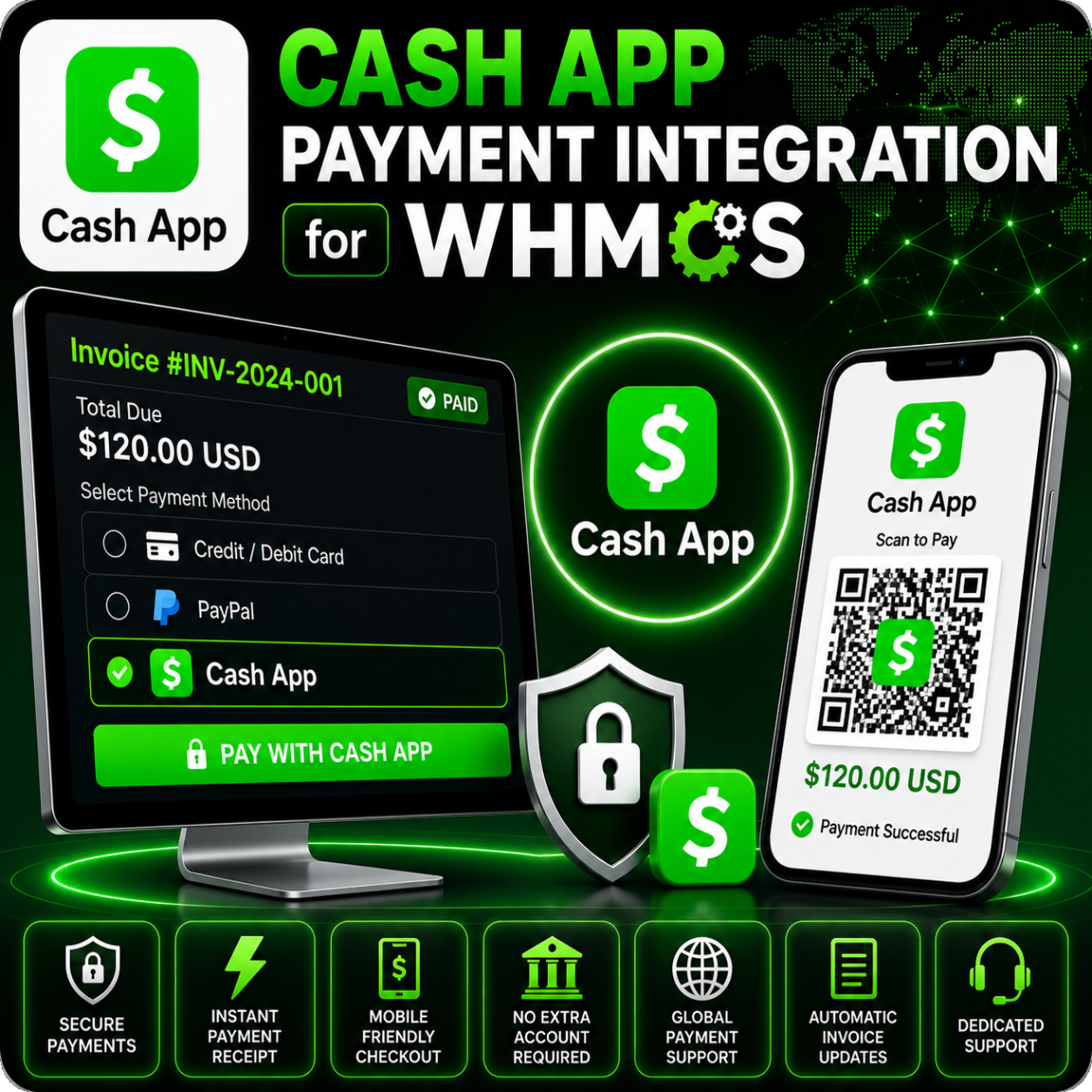
Cash App Payment Integration for WHMCS allows your business to accept Cash App Pay payments through Square directly from WHMCS invoices.
The module loads Square’s Cash App Pay button, tokenizes the customer payment, creates the payment through Square, and automatically records successful transactions against the matching WHMCS invoice.
Offer Cash App Pay Through Square
Give customers a fast mobile-friendly payment option while keeping WHMCS responsible for invoices, customer records, and service automation. Payments are processed through Square’s infrastructure using the Square Web Payments SDK.
Core Features
- Cash App Pay Checkout: Displays the Cash App Pay payment button on WHMCS invoices.
- Square Web Payments SDK: Uses Square’s client-side payment SDK for Cash App Pay tokenization.
- Square API Integration: Creates payments using the Square Payments API after tokenization.
- Application ID and Access Token Setup: Connect WHMCS with your Square developer application.
- Automatic Location Selection: Loads Square locations with card-processing capability from the connected account.
- Sandbox Mode: Test payments using Square’s sandbox environment before going live.
- Payment Request Matching: Carries invoice, amount, currency, and location details through the checkout flow.
- Automatic WHMCS Payment Recording: Adds payment to the correct invoice after a successful Square payment response.
Customer Payment Flow
- The customer opens an unpaid WHMCS invoice.
- The Cash App Pay button loads through Square’s payment script.
- The customer approves the payment through Cash App Pay.
- Square returns a payment token to the WHMCS callback handler.
- WHMCS creates the Square payment and marks the invoice paid after success.
Admin Configuration
- Enter your Square Application ID.
- Enter your Square Access Token.
- Select the Square Location ID used for payments.
- Enable sandbox mode for testing.
- Activate the gateway to offer Cash App Pay on WHMCS invoices.
Refund Support
The module includes a WHMCS refund function that sends full or partial refund requests to Square using the original payment ID, refund amount, currency, and invoice reference.
Why Choose This Module?
- Modern Payment Option: Let customers pay with Cash App Pay through Square.
- Mobile-Friendly Checkout: Cash App Pay is designed for fast customer approval on supported devices.
- Automated Invoice Handling: Successful Square payments are recorded directly in WHMCS.
- Sandbox Testing: Validate the payment flow before enabling live payments.
- Refund Workflow: Process Square payment refunds from the WHMCS gateway refund function.
Ideal For
- US-focused online businesses
- Hosting and digital service providers
- SaaS businesses
- Agencies and freelancers
- WHMCS businesses using Square payments
Requirements
A Square developer account, Square Application ID, Access Token, Square location with payment capability, active module license, HTTPS, and PHP support for the bundled Square SDK are required. Cash App Pay availability depends on Square account, country, currency, browser, and customer device support.
Accept Cash App Pay in WHMCS
Cash App Payment Integration for WHMCS helps you add Square-powered Cash App Pay checkout to your invoices while keeping payment recording, fees, currency handling, and refunds connected to WHMCS.