
Running a hosting business in 2026 without automation is almost impossible.
Customers expect instant service, fast replies, and zero delays.
If you still create accounts manually, send invoices by hand, or manage orders one by one — you are already behind.
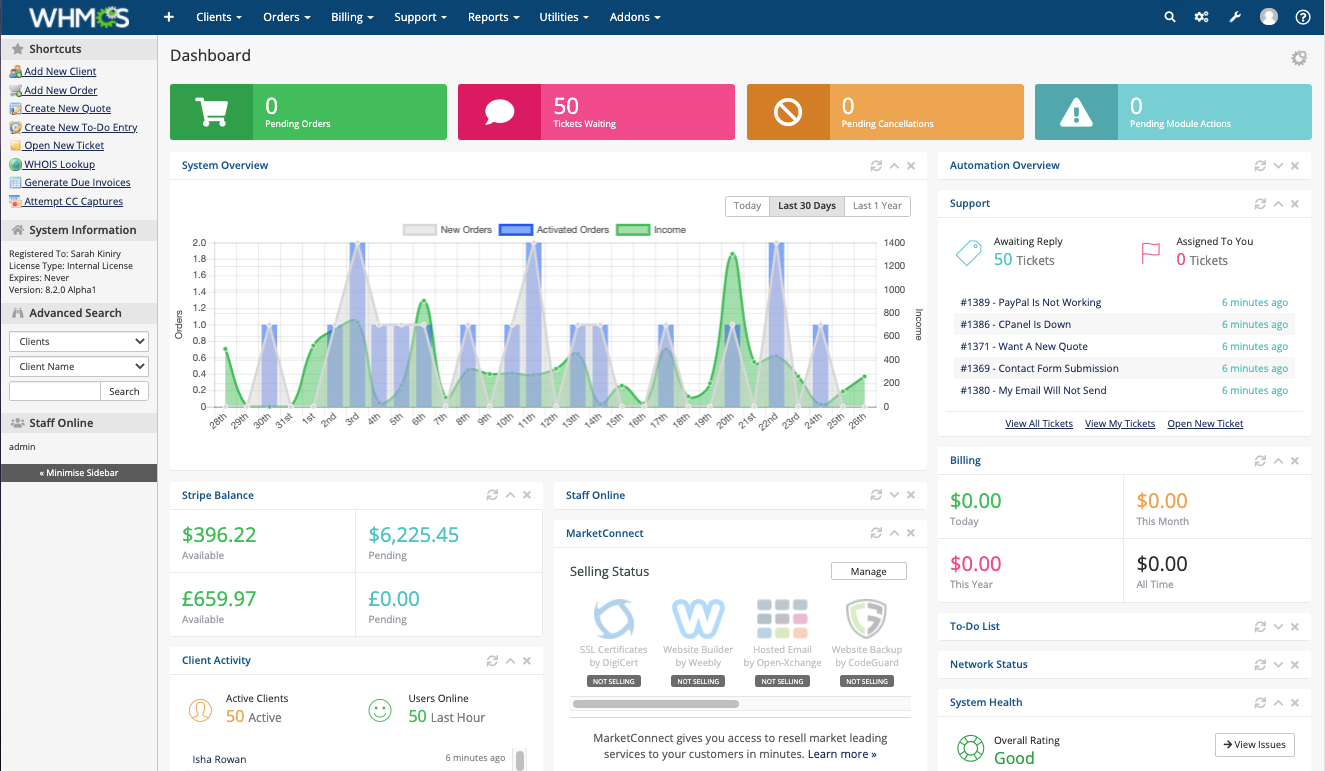
This guide will show you how to fully automate your WHMCS and save time, money, and effort.
Why Automation is Mandatory in 2026
Hosting businesses today face:
-
More competition
-
Lower margins
-
Higher customer expectations
Automation helps you:
-
Reduce support tickets
-
Reduce staff cost
-
Avoid human mistakes
-
Scale without stress
1. Automatic Account Provisioning
When a customer places an order:
-
Hosting account is created automatically
-
Domain is registered
-
Welcome email is sent
-
Login details delivered instantly
No human action required.
This is possible using:
-
cPanel / Plesk modules
-
VPS provisioning modules
-
Domain registrar modules
2. Automatic Invoices & Payments
WHMCS can:
-
Generate invoices automatically
-
Send reminders before due date
-
Suspend unpaid services
-
Reactivate after payment
You just connect:
-
PayPal
-
Stripe
-
Razorpay
-
Crypto gateways
Everything runs on autopilot.
3. Automatic Support Notifications
With the right modules, you can:
-
Send WhatsApp alerts
-
Send SMS updates
-
Notify on Telegram
-
Push real-time admin alerts
Customers feel supported even when you’re offline.
4. Automatic Backups & Monitoring
You should automate:
-
Daily backups
-
Uptime monitoring
-
Server health checks
-
Disk usage alerts
This prevents disasters and angry customers.
5. Real Business Example
A small hosting company with:
-
300 clients
-
2 staff members
After automation:
-
Reduced staff to 1
-
Cut support load by 40%
-
Increased profit without hiring
Same clients. Less work.
Final Advice
If you’re serious about hosting business growth in 2026:
Automation is not optional anymore. It is survival.
Start with:
-
Payment automation
-
Account provisioning
-
Notification modules
Then slowly automate everything else.