Description
Flexible Billgang Checkout
Billgang Payment Integration for WHMCS
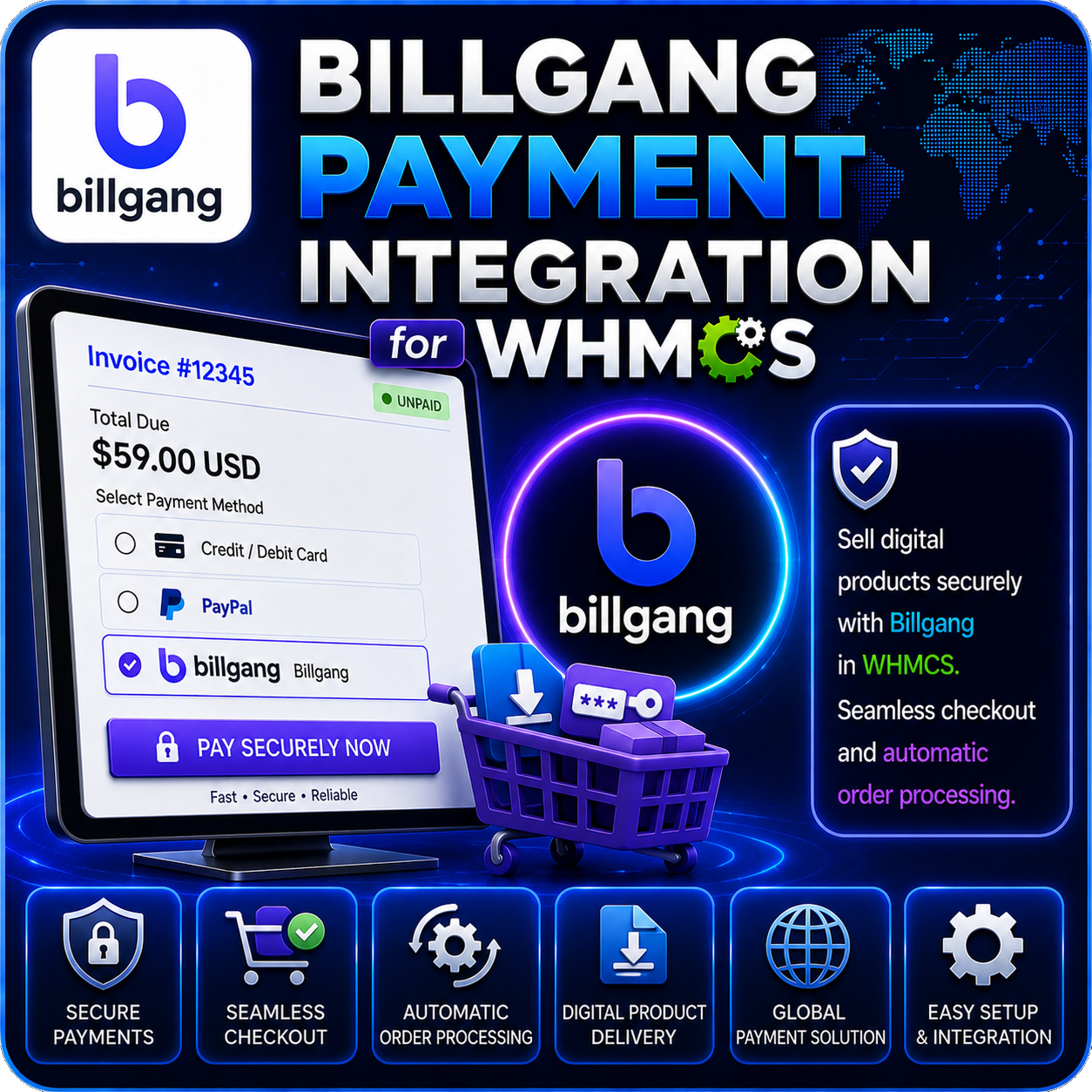
Billgang Payment Integration for WHMCS connects your billing system with Billgang, giving customers a convenient way to select an available payment method and complete their invoice through Billgang’s hosted checkout.
The integration creates a charge using the WHMCS invoice amount and customer details, redirects the customer to the appropriate payment page, and records the payment in WHMCS after the charge is successfully verified.
A Simpler Way to Offer Billgang Payments
Instead of maintaining a separate integration for every payment option available through your Billgang shop, the module retrieves supported methods and presents the enabled choices through one streamlined WHMCS payment experience.
Core Features
- Billgang API Integration: Connect your WHMCS installation using a Billgang Shop ID and API key.
- Available Method Retrieval: Fetch payment methods currently available for your connected Billgang shop.
- Selective Gateway Display: Enable only the Billgang payment methods you want customers to use.
- Custom Payment Names: Replace default method names with clearer customer-facing labels.
- Dedicated Payment Page: Let logged-in customers review their invoice details and choose a payment option.
- Hosted Checkout: Redirect customers to Billgang to complete payment securely outside the local card-entry form.
- Charge Tracking: Store the Billgang charge ID against its corresponding WHMCS invoice.
- Payment Verification: Check the charge status through Billgang before recording a successful invoice payment.
Payment Method Management
The companion admin module displays available Billgang payment methods with their names and logos. Administrators can enable or disable individual methods and provide custom display names without editing the checkout template.
Only enabled methods are shown to customers, helping you maintain a cleaner checkout and offer the payment choices most suitable for your business.
Customer Checkout Flow
- The customer opens an unpaid WHMCS invoice and selects Billgang.
- The module displays the invoice amount and enabled Billgang payment methods.
- Billgang creates a charge using the invoice currency, amount, name, and email address.
- The customer is redirected to the hosted Billgang charge page to pay.
- After returning, the module verifies the charge and records a successful payment in WHMCS.
WHMCS Billing Integration
- Uses the current WHMCS invoice total and the client’s configured currency.
- Pre-fills the customer’s name and email address from their WHMCS profile.
- Prevents already-paid invoices from generating another checkout.
- Checks the transaction ID before applying a payment.
- Records successful transactions through the standard WHMCS gateway system.
Why Choose This Module?
- More Payment Choice: Display multiple supported Billgang methods through one WHMCS integration.
- Cleaner Checkout: Show only administrator-approved options to customers.
- Consistent Branding: Customize payment method names for a clearer buying experience.
- Less Manual Reconciliation: Verify completed charges and record successful invoice payments automatically.
- Hosted Payment Flow: Keep sensitive payment entry on the Billgang checkout page.
Ideal For
- Digital product and download sellers
- Web hosting and cloud service providers
- SaaS and subscription-based businesses
- Online agencies and service providers
- WHMCS businesses using a Billgang shop
Requirements
A working Billgang shop, Shop ID, API key, and cURL support on the WHMCS server are required. The included companion addon must be activated to manage enabled methods and custom checkout names.
Connect Billgang with Your WHMCS Billing
Billgang Payment Integration for WHMCS brings payment selection, hosted checkout, charge verification, and invoice recording into one connected workflow, helping your customers pay more conveniently while reducing routine payment administration.