Description
Solana Pay Integration for WHMCS
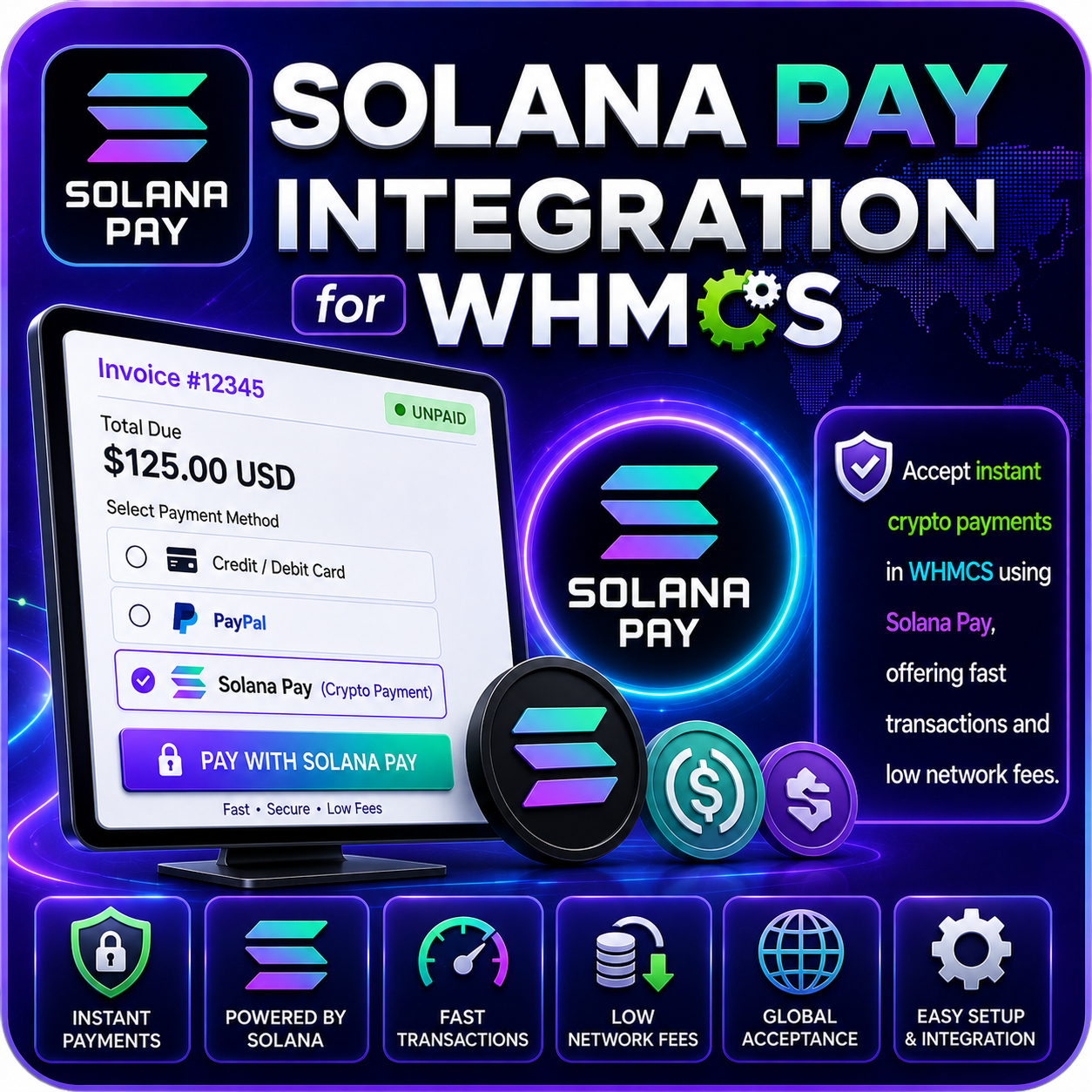
Solana Pay Integration for WHMCS allows customers to send direct Solana payments to your configured wallet from a WHMCS invoice. The module generates a Solana Pay payment request containing the wallet address, invoice amount, service label, customer message, and invoice reference.
Customers can scan the displayed QR code with a compatible Solana wallet or copy the merchant wallet address. After sending payment, they can refresh the invoice while the module checks the configured Solana RPC endpoint for a finalized matching transaction.
Direct Wallet Payments
- Receive customer payments directly into your configured Solana wallet.
- Avoid routing funds through a traditional hosted payment gateway.
- Display payment instructions inside the WHMCS invoice.
- Use a Solana Pay-compatible payment URI for supported wallets.
- Keep the payment process focused on customer-authorized one-time transactions.
Solana Pay QR Code
- Generate a unique QR code for the WHMCS invoice.
- Include the merchant wallet address in the payment request.
- Add the invoice amount to the Solana Pay URI.
- Include a product or service label when available.
- Add an invoice reference to help associate the transaction with the customer’s invoice.
Customer-Friendly Invoice Display
- Show the payment QR code directly on the invoice page.
- Display the destination wallet address beneath the QR code.
- Provide a one-click control for copying the wallet address.
- Include a clear instruction to scan the QR code and complete payment.
- Provide a refresh button for checking transaction confirmation.
Finalized Transaction Checks
- Query the configured Solana JSON-RPC endpoint for wallet transaction signatures.
- Review transaction memo information for the related invoice reference.
- Require the matching transaction to reach the finalized confirmation status.
- Use the blockchain transaction signature as the WHMCS transaction reference.
- Redirect the customer to a successful invoice result after the payment is recorded.
WHMCS Invoice Integration
- Associate the payment request with the current WHMCS invoice number.
- Use the invoice amount when building the Solana Pay request.
- Record a confirmed transaction through the WHMCS invoice payment workflow.
- Store the Solana transaction signature as the transaction ID.
- Display a payment-success result when the invoice update is completed.
Configurable RPC Connection
- Enter the Solana JSON-RPC endpoint used for transaction checks.
- Choose an endpoint appropriate for your intended Solana network.
- Configure the receiving wallet address from the WHMCS gateway settings.
- Change the endpoint or wallet without modifying the module’s source files.
- Manage the integration through the standard WHMCS payment gateway area.
Fast, Low-Cost Payment Network
- Use the Solana network for fast blockchain transaction processing.
- Benefit from network fees that are typically lower than many traditional blockchain alternatives.
- Receive funds directly in the configured merchant wallet.
- Give crypto customers an additional way to pay for services.
- Avoid local storage of card or online-banking credentials.
Important Payment Configuration
The module uses the WHMCS invoice amount directly in the Solana Pay request. Your product currency and pricing must therefore be configured to match the payment unit you intend to receive. Automatic fiat-to-SOL conversion is not included in the reviewed version.
Why Choose This Module?
- Direct Settlement: Receive eligible payments directly in your Solana wallet.
- Simple Customer Flow: Let customers scan a QR code or copy the wallet address.
- Invoice References: Include invoice details in the generated Solana Pay request.
- Finalized Confirmation: Check for finalized transactions before recording payment.
- Blockchain Transaction IDs: Store the Solana signature with the WHMCS payment.
- No Core Modifications: Install the integration as a standard WHMCS payment gateway.
Ideal For
- Web hosting and VPS providers
- SaaS and digital service businesses
- Crypto-friendly online businesses
- Merchants that want direct Solana wallet payments
- WHMCS businesses seeking a QR-based crypto payment option
Accept Solana Payments Through WHMCS
Solana Pay Integration for WHMCS provides a direct QR-based payment experience for customers using compatible Solana wallets. With configurable wallet and RPC settings, invoice-specific payment requests, copyable wallet details, refresh-based confirmation checks, and finalized transaction recording, it brings one-time Solana payments into your WHMCS invoice workflow.