Description
Amazon Pay Integration Module for WHMCS
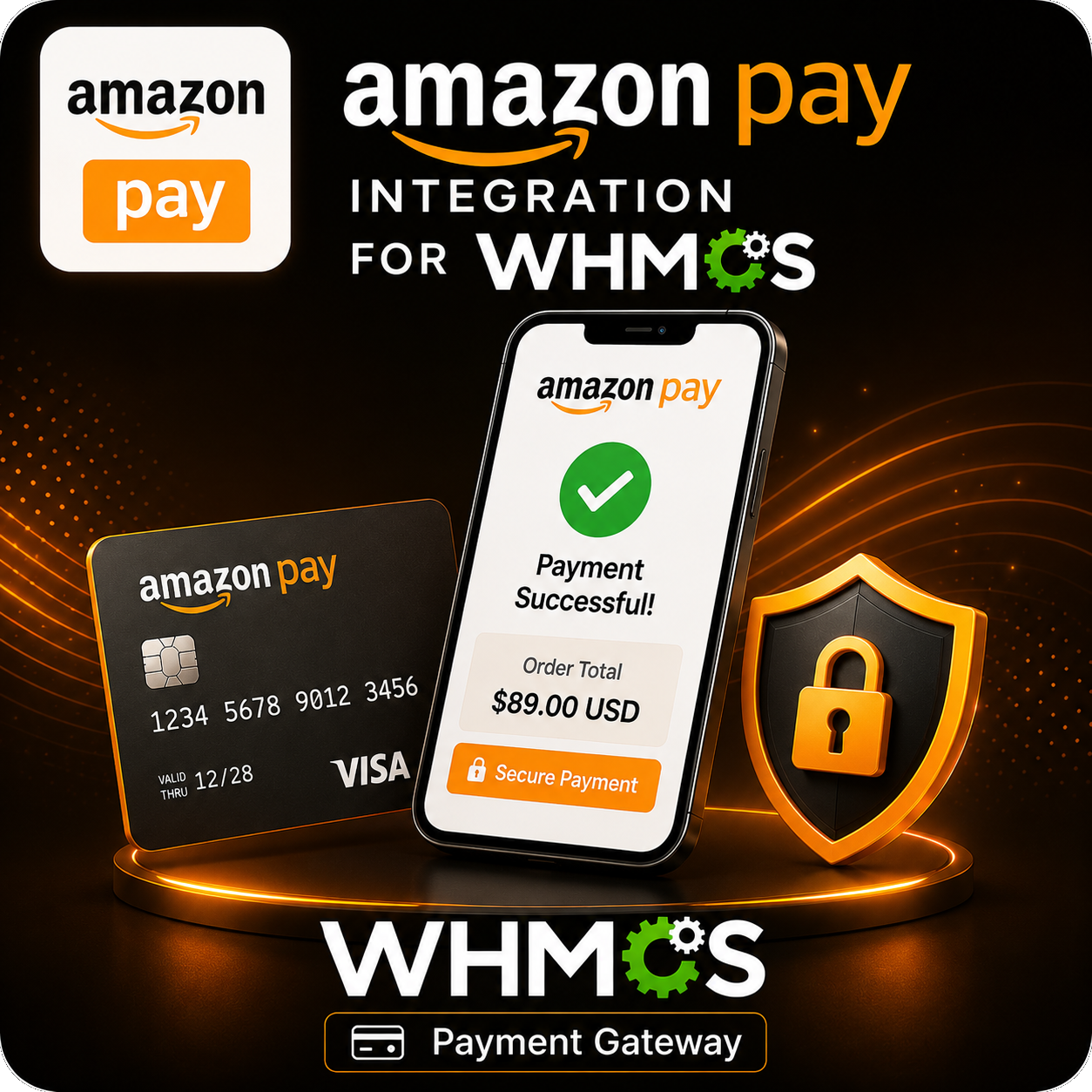
The Amazon Pay Integration Module for WHMCS adds Amazon Pay as a convenient payment option for your customers. Instead of entering payment details directly into WHMCS, customers can sign in with their eligible Amazon account, select an available payment method, and securely authorize payment for their invoice.
It provides a familiar checkout experience while keeping payment processing connected to the standard WHMCS invoice and transaction workflow.
Streamlined Amazon Pay Checkout
- Add Amazon Pay as an available WHMCS payment gateway.
- Let customers sign in using their eligible Amazon account.
- Display the Amazon Pay wallet during the payment process.
- Allow customers to select a payment method available through Amazon Pay.
- Return customers to their WHMCS invoice after the payment attempt.
WHMCS Invoice Integration
- Accept one-time payments for eligible unpaid WHMCS invoices.
- Send the invoice amount and order information to Amazon Pay.
- Record successful payments against the corresponding WHMCS invoice.
- Store the Amazon order reference as the transaction identifier.
- Use WHMCS callback validation to help prevent duplicate transaction processing.
Secure Payment Experience
- Customers use payment information already associated with their Amazon accounts.
- WHMCS local credit-card input is disabled for Amazon Pay transactions.
- Customer card details are not stored locally by the gateway module.
- Payment authorization and capture are handled through Amazon Pay.
- Gateway credentials remain under administrator control in WHMCS.
Flexible Regional Configuration
Choose the Amazon Pay region associated with your merchant account and customer market.
- United States
- United Kingdom
- European region
- Japan
Merchant eligibility, supported currencies, and payment availability depend on the selected Amazon Pay region and account.
Simple Administrator Setup
- Configure the gateway through the standard WHMCS payment gateway settings.
- Enter the Seller ID, Access Key ID, Secret Access Key, Client ID, and Client Secret.
- Paste supported credentials together in JSON format or enter them individually.
- Check the configured Amazon merchant account status from the gateway settings.
- Enable or disable Amazon Pay without modifying WHMCS core files.
Sandbox Testing
- Enable test mode before accepting live customer payments.
- Use Amazon Pay sandbox credentials to verify the checkout workflow.
- Test customer login, wallet selection, callbacks, and invoice payment handling.
- Switch to production credentials when your live merchant account is ready.
Customizable Amazon Pay Button
- Choose from supported “Pay with Amazon,” “Pay,” or compact Amazon button styles.
- Select Gold, Dark Gray, or Light Gray button colors.
- Display a recognizable Amazon-branded payment option on WHMCS invoices.
- Match the button presentation more closely with your checkout design.
Transaction Monitoring
- Record successful and unsuccessful payment responses.
- Log merchant-account validation results.
- Review gateway responses through the WHMCS transaction log.
- Use recorded order references to identify and troubleshoot payments.
Why Choose This Module?
- Familiar Checkout: Give customers a payment experience powered by a recognized platform.
- Faster Payments: Customers can use eligible payment methods already available in their Amazon accounts.
- No Local Card Storage: Card details are not entered or stored directly in WHMCS by this gateway.
- Automatic Invoice Updates: Successful transactions are applied to the correct WHMCS invoice.
- Testing Support: Verify the integration using sandbox mode before going live.
- Native WHMCS Workflow: Manage the gateway and transaction records from your existing billing system.
Ideal For
- Web hosting companies
- SaaS and subscription businesses
- Digital product and service providers
- Agencies and online businesses using WHMCS
- Merchants with an eligible Amazon Pay account
Offer a More Familiar Way to Pay
The Amazon Pay Integration Module for WHMCS gives customers a convenient way to pay eligible invoices using their Amazon accounts. With regional configuration, sandbox testing, branded payment buttons, automatic invoice updates, and detailed transaction logging, it brings Amazon Pay into your WHMCS billing workflow without requiring core file modifications.