WHMCS Security Best Practices to Protect Your Billing System
WHMCS is the center of your billing, customer management, invoices, orders, support tickets, and service automation. Because it handles sensitive business and client data, keeping your WHMCS installation secure is extremely important.
Whether you run a hosting company, IPTV business, SaaS platform, or digital service store, weak WHMCS security can lead to fake signups, spam orders, fraudulent accounts, payment abuse, account misuse, and unnecessary support work.
In this guide, we’ll cover practical WHMCS security best practices to help protect your billing system and create a safer experience for your business and customers.
Why WHMCS Security Matters
Your WHMCS system contains important information such as client accounts, invoices, services, domains, support tickets, payment history, and automation workflows. If attackers abuse your system, it can affect both your operations and your reputation.
Common WHMCS security risks include:
Fake client registrations
Spam orders and bot signups
Fraudulent purchases
Disposable email abuse
Multiple account abuse
Payment disputes and chargebacks
Unverified customer accounts
Unauthorized access attempts
Weak admin access protection
1. Keep WHMCS Updated
One of the most important security steps is keeping WHMCS updated. Updates often include security fixes, compatibility improvements, and stability enhancements.
Before updating, always:
Create a full backup of files and database
Check module compatibility
Confirm PHP version support
Test updates on staging when possible
Review custom hooks and templates after updating
Outdated WHMCS installations are more likely to face compatibility issues, security problems, and module failures.
2. Use Strong Admin Access Protection
Your WHMCS admin area should be protected carefully. Admin access controls billing, clients, products, modules, automation, and system settings.
Recommended admin security steps include:
Use strong admin passwords
Enable two-factor authentication for staff
Limit admin access to trusted users only
Use unique staff accounts instead of shared logins
Restrict admin permissions based on staff roles
Rename or protect your admin directory where appropriate
3. Block Fake Signups and Spam Registrations
Fake signups can create a messy client database, increase support load, and lead to abusive orders. Spam users may use temporary emails, suspicious names, repeated IP addresses, or automated scripts.
To reduce spam registrations, use rules that block suspicious email domains, spam keywords, repeated IP activity, and fake form submissions.
For stronger protection, you can explore our WHMCS addon modules, including tools designed for spam control, email verification, fraud prevention, and client account security.
4. Require Email Verification
Email verification helps confirm that customers are using real and reachable email addresses. This reduces fake accounts, bot signups, and orders created with invalid contact details.
Email verification can help with:
Reducing fake registrations
Improving client database quality
Preventing orders from invalid emails
Improving billing communication
Reducing support problems caused by unreachable clients
This is especially useful for hosting providers, IPTV resellers, SaaS platforms, and digital product businesses.
5. Add Fraud Protection for Orders
Fraudulent orders can cause chargebacks, resource abuse, spam activity, and service misuse. A good fraud protection workflow should check risk signals before services are activated.
Useful fraud checks may include:
Device fingerprinting
Disposable email detection
VPN or proxy detection
IP and location mismatch checks
Repeated account detection
Risk scoring and order review
Fraud protection is important for businesses that sell hosting, VPS, IPTV, OTT services, software, subscriptions, or digital services.
6. Control Public Registration Access
Some businesses do not want fully open public registration. If you run a private service, beta launch, invite-only platform, or high-risk product, open registration may not be ideal.
Invite-only registration can help you control who can access your WHMCS system. This is useful for:
Private hosting providers
Exclusive membership platforms
IPTV and SaaS businesses
Beta launches
Fraud-sensitive services
By allowing only invited users to register, you can reduce random signups and keep customer onboarding more controlled.
7. Use Clear Terms Agreement During Checkout
Customers should agree to your Terms and Conditions, Privacy Policy, Refund Policy, or Acceptable Use Policy before placing orders. This helps set clear expectations and supports your business policies.
Terms agreement is useful for:
Refund policy confirmation
Acceptable use agreement
Privacy policy acknowledgment
Service usage terms
Legal and compliance clarity
This is especially important for digital services, hosting, IPTV, SaaS, and subscription businesses.
8. Protect Payment and Billing Workflows
Payment security is another important part of WHMCS protection. Customers should use secure payment methods, and invoices should update automatically after successful payment.
Good payment security practices include:
9. Secure File Permissions and Configuration Files
Correct file permissions help reduce the risk of unauthorized file changes or exposure of sensitive configuration files.
Common recommendations include:
Use secure permissions for files and folders
Protect configuration files
Remove backup files from public directories
Do not leave old installation files online
Keep unused modules and themes removed
Avoid unsafe permissions such as 777
Also make sure old backup files such as .bak, .save, or old configuration copies are not accessible from the web.
10. Monitor Logs and Suspicious Activity
Logs help you understand what is happening inside your WHMCS system. If something goes wrong, logs can help identify failed logins, module errors, payment issues, suspicious orders, and automation problems.
Review these regularly:
WHMCS activity logs
Gateway logs
Module logs
Admin login activity
Server access logs
Security and firewall events
Regular monitoring helps catch problems before they become serious.
11. Keep Modules Updated and Trusted
WHMCS modules extend your system, but poorly maintained modules can create compatibility and security risks. Only use modules from trusted providers and keep them updated.
Before installing a module, check:
WHMCS version compatibility
PHP version compatibility
ionCube Loader requirements
License status
Support availability
Update history
If a module is outdated or unused, remove it from your installation.
12. Use Automation Carefully
Automation can save time, but security rules should be configured carefully. For example, automatic service creation should not activate clearly fraudulent orders, and automatic renewals should depend on successful invoice payment.
For IPTV and OTT businesses, WHMCS automation can be very powerful when combined with proper fraud checks, verified customer data, and reliable payment confirmation.
You can explore automation products in our WHMCS OTT modules category.
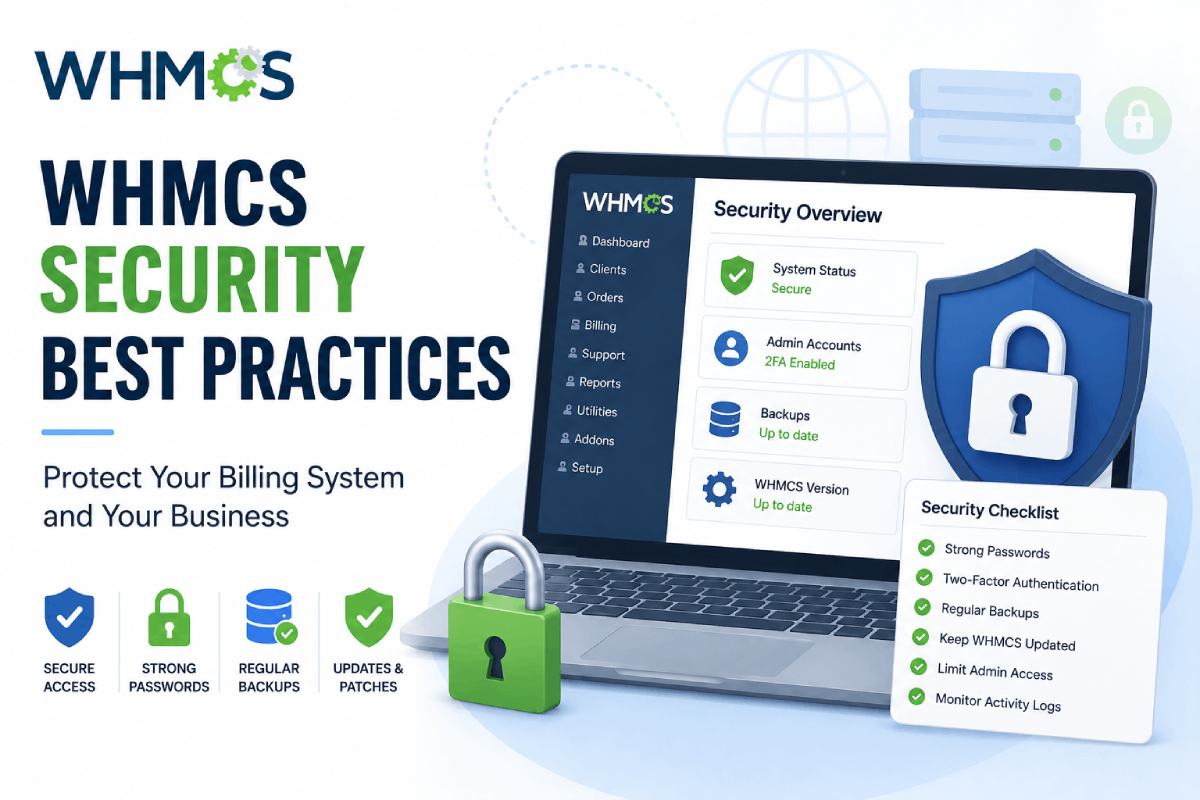
Quick WHMCS Security Checklist
Keep WHMCS updated
Use strong admin passwords and two-factor authentication
Limit staff permissions
Block spam signups and fake registrations
Require email verification
Use fraud protection for risky orders
Use invite-only registration when needed
Require terms agreement during checkout
Use secure payment gateways
Review file permissions and remove backup files
Monitor logs regularly
Keep modules updated
Final Thoughts
WHMCS security is not just one setting. It is a combination of updates, access control, fraud protection, email verification, spam prevention, secure payments, proper file permissions, and regular monitoring.
By following these WHMCS security best practices, you can reduce fake signups, prevent abusive orders, protect billing workflows, and create a safer experience for your customers.
If you need help improving your WHMCS security, setting up protection modules, or building a custom security workflow, visit our WHMCS services page for professional support.