Description
Interac (Manual) Payment Integration for WHMCS
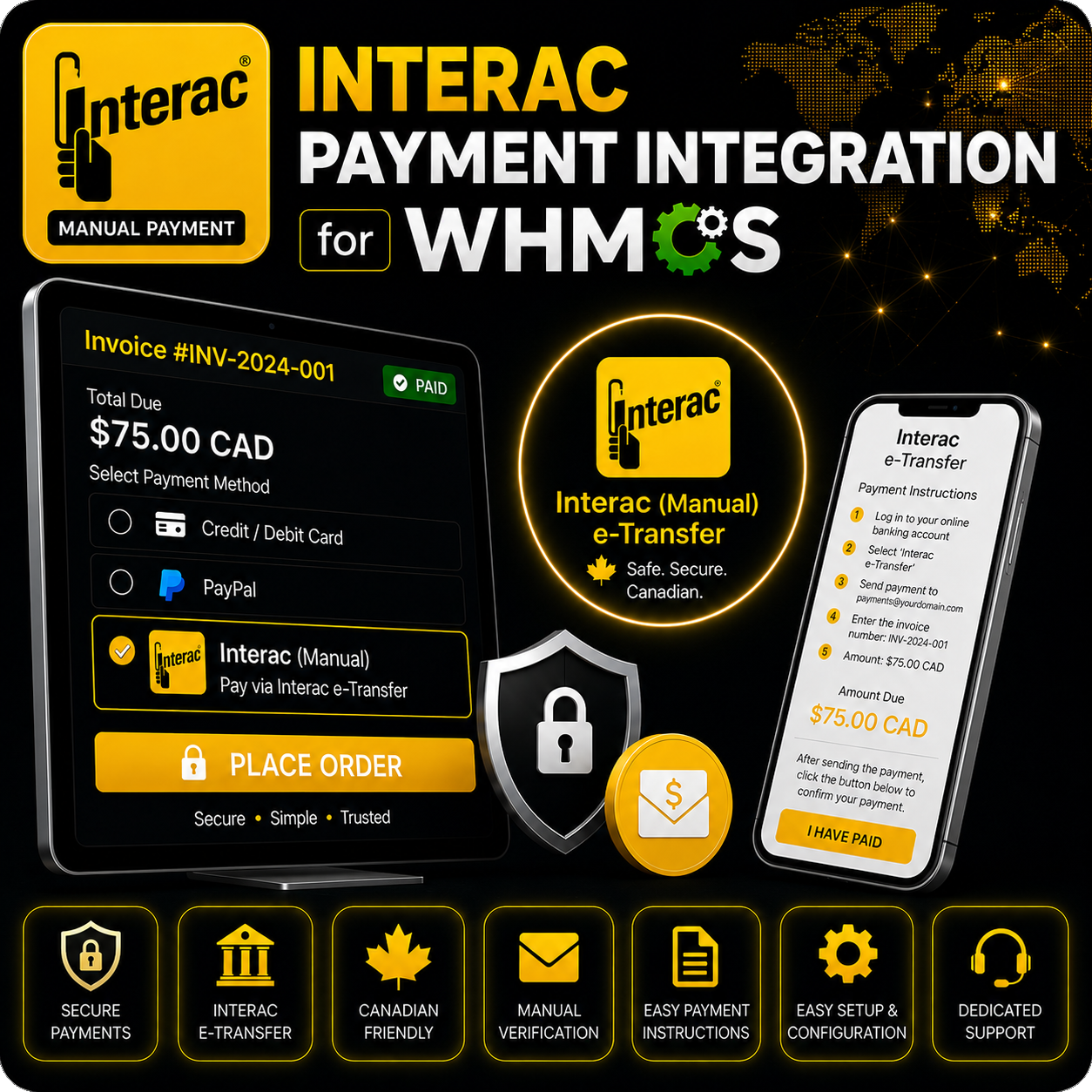
Interac (Manual) Payment Integration for WHMCS gives Canadian customers clear instructions for paying invoices through Interac e-Transfer. Instead of processing a card or connecting to an external payment API, the module displays the information customers need to send their payment manually from their bank account.
The dedicated checkout instructions include your configured recipient email address, the payment amount, order number, invoice reference, and optional security question and answer. This creates a more organized offline payment process and helps customers include the correct information with their transfer.
Dedicated Interac Instructions Page
When a customer selects Interac and clicks Pay Now, the module opens a dedicated WHMCS client-area page containing the relevant e-Transfer instructions. Access is limited to logged-in clients, keeping the payment information within the customer account experience.
Core Features
- Manual Interac e-Transfers: Offer Interac as an offline payment option for Canadian customers.
- Configurable Recipient Email: Display the email address customers should use when sending their transfer.
- Optional Security Question: Add a custom e-Transfer security question when required.
- Optional Security Answer: Show the corresponding answer on the payment instructions page.
- Invoice Reference: Tell customers which invoice number to include in their transfer message.
- Order Number Display: Show the associated WHMCS order number for easier reference.
- Payment Amount Display: Present the invoice amount together with the configured currency formatting.
- Client Login Protection: Only authenticated WHMCS clients can access the instruction page.
- Simple Gateway Setup: Configure the payment email and optional security details from WHMCS.
Customer Payment Flow
- Select Interac from the available WHMCS payment methods.
- Click Pay Now to open the e-Transfer instructions.
- Log in to a supported Canadian bank account.
- Send the displayed amount to the configured payment email.
- Use the displayed security question and answer when applicable.
- Include the WHMCS invoice number in the transfer message.
Manual Payment Verification
This module provides payment instructions but does not connect to an Interac API or automatically confirm transfers. After receiving the e-Transfer, an administrator must verify the payment and record it against the appropriate WHMCS invoice.
Flexible Admin Configuration
Administrators can set the recipient email address from the WHMCS payment gateway settings. The security question and answer fields are optional and can be left empty when they are not needed.
Why Choose This Integration?
- Serve Canadian Customers: Offer a familiar bank-based payment option.
- Provide Clear Instructions: Keep all essential transfer information together on one page.
- Improve Payment Matching: Ask customers to include their invoice number with every transfer.
- Avoid Card Processing: Accept direct manual payments without collecting card details.
- Simple Administration: Configure the required instructions without a payment API connection.
Ideal For
- Canadian web hosting providers
- SaaS and subscription businesses
- Digital agencies and freelancers
- IPTV and online service providers
- Businesses accepting manual Interac e-Transfers
Requirements
- An active WHMCS installation
- A Canadian bank account capable of receiving Interac e-Transfers
- A payment email address configured for receiving transfers
- Manual administrator verification of received payments
- Installation of the included client-area checkout template
Conclusion
Interac (Manual) Payment Integration for WHMCS provides Canadian customers with a clear and convenient way to pay through e-Transfer. By displaying the recipient details, amount, order number, invoice reference, and optional security information in the WHMCS client area, it makes manual Interac payments easier to follow and administer.