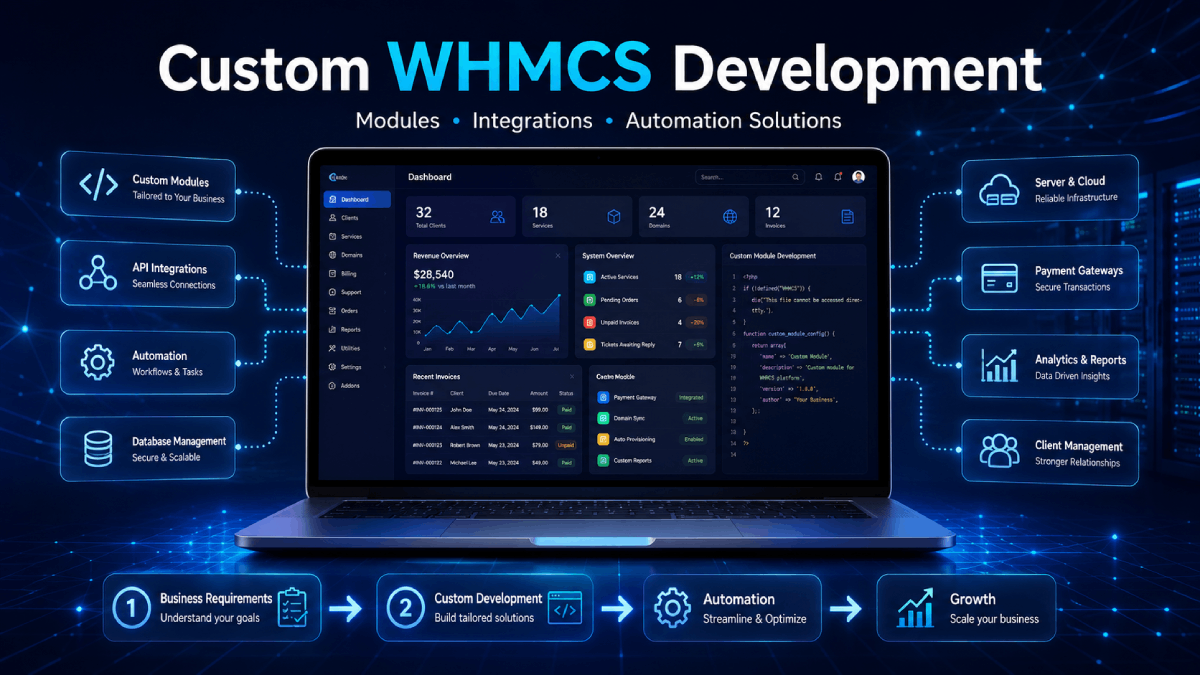
Custom WHMCS Development: When Your Business Needs a Tailored Module
Every business has different workflows. Some companies can use ready-made WHMCS modules, while others need custom WHMCS development to match their exact billing, automation, client-area, or service delivery requirements.
For hosting providers, IPTV resellers, SaaS platforms, and digital service businesses, WHMCS is a powerful foundation. But when your business needs unique automation, special integrations, or custom client workflows, a tailored WHMCS module can save time and create a better customer experience.
In this guide, we’ll explain when your business may need custom WHMCS development and how it can help you build a more professional and automated system.
What Is Custom WHMCS Development?
Custom WHMCS development means building or modifying WHMCS functionality based on your business needs. This can include custom addons, payment gateways, server modules, hooks, client area pages, admin tools, API integrations, and workflow automation.
Instead of forcing your business process to fit a generic tool, custom development allows WHMCS to work the way your business actually operates.
When Ready-Made WHMCS Modules Are Enough
Ready-made modules are a great choice when your requirement is common and already solved by an existing product. For example, you may need a payment gateway integration, fraud protection, notifications, product limits, free trials, or IPTV panel automation.
In these cases, buying a ready-made module is usually faster and more cost-effective.
You can explore our available solutions here:
Custom development becomes useful when your workflow is specific, complex, or not fully covered by existing modules.
You may need custom WHMCS development if:
You want to connect WHMCS with a private API
Your IPTV or OTT panel is not supported by existing modules
You need a custom payment gateway integration
Your business has special billing rules
You want a custom client area workflow
You need admin tools for internal staff
You want to automate repetitive manual tasks
You need better reporting, logs, or dashboard views
1. Custom WHMCS Addon Modules
WHMCS addon modules can extend your admin area and client area with new features. A custom addon can help you manage data, automate tasks, display custom pages, or create tools for your staff and customers.
Examples of custom addon modules include:
Custom client dashboards
Admin management panels
Advanced reporting tools
Customer onboarding workflows
Marketing and notification systems
Fraud prevention tools
Service management utilities
If you need standard addon functionality, you can also browse our WHMCS addon modules category.
2. Custom IPTV and OTT Automation
IPTV and OTT businesses often use different reseller panels, APIs, package structures, and account types. Sometimes a ready-made module may not support your exact panel or workflow.
Custom WHMCS development can connect your IPTV or OTT platform with WHMCS to automate account creation, renewals, suspensions, unsuspensions, package changes, and customer access.
Custom IPTV automation may include:
API integration with private OTT panels
Username and password account creation
MAG device activation
Package and billing cycle mapping
Multi-panel account provisioning
Client area service details
Expiry date synchronization
Admin logs and error tracking
For existing IPTV automation products, visit our WHMCS OTT modules category.
3. Custom Payment Gateway Integrations
Payment methods vary by country, industry, and customer preference. If your preferred payment provider is not available as a ready-made WHMCS gateway, a custom payment gateway integration may be the right solution.
A custom WHMCS payment gateway can help you accept payments directly through your WHMCS billing system and update invoices automatically after successful payment.
Custom payment gateway development may include:
Hosted checkout integration
API-based payment processing
Crypto payment support
Local payment provider integration
Webhook/IPN payment confirmation
Automatic invoice status updates
Refund handling where supported
Payment logs for troubleshooting
You can also review our ready-made WHMCS payment gateways if your provider is already supported.
4. WHMCS Hooks and Workflow Automation
Sometimes you do not need a full module. A small WHMCS hook can automate a specific task or change system behavior without editing core files.
WHMCS hooks can be used for:
Custom order validation
Client area menu changes
Invoice or checkout customization
Email notification triggers
Fraud checks
Service lifecycle actions
Admin alerts
Hooks are often useful when you need a lightweight customization with minimal complexity.
5. Custom Client Area Features
Your client area is where customers manage services, invoices, tickets, and account details. A better client area can reduce confusion and support load.
Custom client area features may include:
Custom service dashboards
Quick access menus
Product-specific instructions
Service credentials display
Renewal buttons
Custom forms and request pages
Brand-focused UI improvements
These improvements help customers find what they need faster and make your business look more professional.
6. API Integrations With External Platforms
Many businesses use external tools for payments, communication, provisioning, marketing, support, analytics, or reporting. Custom WHMCS development can connect these systems together.
Examples include:
Telegram, Discord, or SMS alerts
CRM integrations
Panel and server API integrations
Payment provider APIs
License verification systems
Custom reporting dashboards
Marketing automation tools
Good API integration helps reduce manual data entry and keeps your business tools connected.
7. Benefits of Custom WHMCS Development
Custom development can make WHMCS more useful for your exact business model. Instead of relying on manual workarounds, your system can follow your real process.
Benefits may include:
Less manual admin work
Faster customer onboarding
Better billing and provisioning workflows
Reduced support tickets
Improved client area experience
More accurate reporting
Better integration with your existing tools
A more professional customer experience
8. How to Decide Between Ready-Made and Custom Development
Before choosing custom development, check whether a ready-made product already solves your problem. If your requirement is common, a ready-made module may be faster and more affordable.
Choose ready-made modules when:
Your requirement is standard
You need a quick setup
The existing module supports your workflow
You want a lower-cost solution
Choose custom development when:
Your requirement is unique
Your panel or API is not supported
You need special business logic
You want a branded client experience
You need a long-term tailored workflow
Work With WHMCS Modules
At WHMCS Modules, we provide ready-made WHMCS products and custom development services for hosting companies, IPTV resellers, SaaS platforms, and digital service providers.
Whether you need a WHMCS addon, payment gateway, OTT automation module, client area customization, or custom API integration, we can help you build a solution that fits your business.
Explore our services or browse our WHMCS products to find the right solution for your business.
Final Thoughts
Custom WHMCS development is useful when your business needs more than a standard module. It can help you automate unique workflows, connect external systems, improve customer experience, and reduce repetitive admin work.
If your current process depends on manual tasks, spreadsheets, repeated support messages, or unsupported integrations, a custom WHMCS solution may be the next step toward a more scalable business.