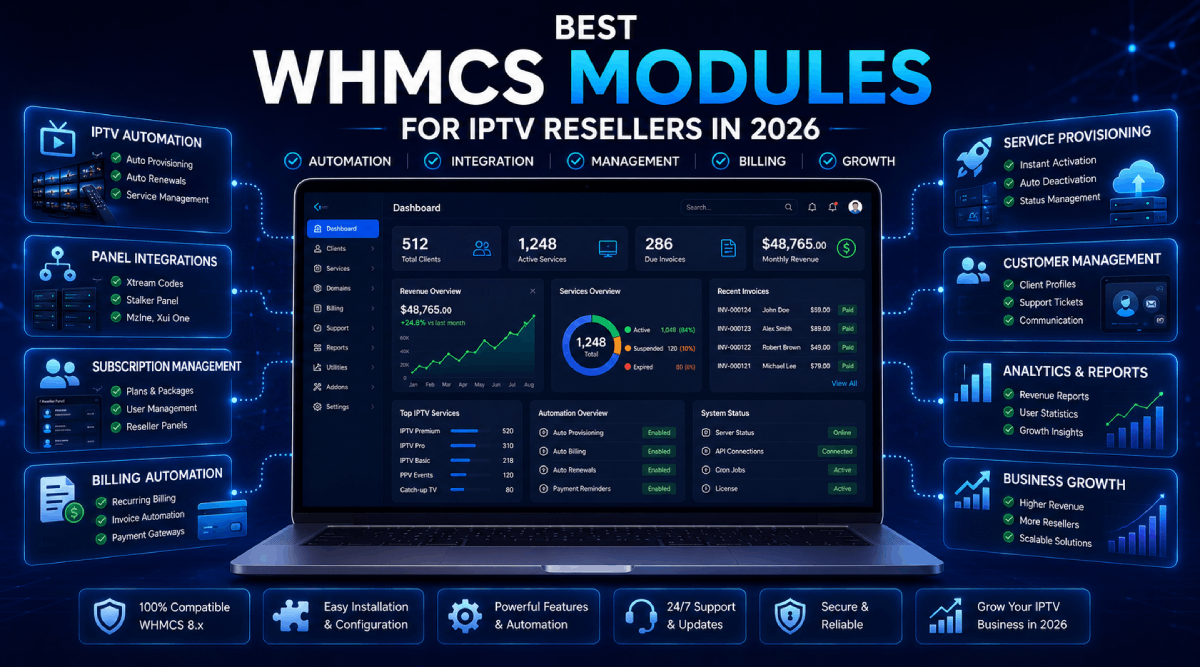
Running an IPTV reseller business becomes much easier when your billing, provisioning, renewals, payments, and customer communication are connected properly. WHMCS already gives you a strong billing foundation, but the right modules can turn it into a complete automation system for IPTV and OTT services.
If you are selling subscriptions manually, creating accounts one by one, checking payments by hand, or replying to the same support questions every day, you are spending time on work that can be automated.
This guide explains the most useful WHMCS modules for IPTV resellers and how each one helps improve your business workflow.
1. IPTV and OTT Reseller Automation Modules
The most important module for an IPTV business is the panel integration module. It connects WHMCS with your IPTV or OTT reseller panel so services can be created, renewed, suspended, unsuspended, and terminated automatically.
A good OTT automation module can help with:
Automatic IPTV line creation after order approval or payment
Automatic renewal when the customer pays an invoice
Suspension when invoices remain unpaid
Unsuspension after payment
Package or bouquet mapping based on WHMCS billing cycles
Credential display inside the WHMCS client area
Syncing service expiry dates and account details
This type of module is especially useful for resellers using panels such as XUI ONE, NXT DASH, Xtream UI, 1 Stream, Mega OTT, Golden OTT, Strong 8K, Activation, Stream Creed, MidnightStreamer, and similar platforms.
Explore our WHMCS OTT modules to find integrations built for different IPTV and OTT panels.
2. Payment Gateway Modules
Payment convenience can directly affect conversions. If customers cannot pay with a method they trust, they may leave the checkout page before completing the order.
For IPTV resellers, useful payment gateway options may include card payments, local payment methods, mobile wallets, cryptocurrency gateways, and hosted checkout systems.
Payment gateway modules help you:
Accept payments through providers not included by default in WHMCS
Some businesses do not want every payment method to appear for every product. For example, you may want one gateway for regular products, another for high-risk services, and a separate option for specific product groups.
A smart gateway manager lets you control which gateways appear at checkout based on the selected product or product group. This keeps the checkout page cleaner and reduces customer confusion.
4. Fraud and Spam Protection Modules
Automation is powerful, but it must be protected. Without proper checks, fake signups, disposable emails, suspicious locations, repeated trials, and risky orders can create problems for your business.
Security-focused WHMCS modules can help with:
Email verification before registration or ordering
Blocking disposable or suspicious email domains
Detecting repeated device fingerprints
Flagging VPN, proxy, or location mismatches
Preventing spam registrations
Reducing fraudulent orders and abuse
For IPTV and digital subscription businesses, fraud prevention is not optional. It protects your platform, your payment accounts, and your support team.
5. Free Trial Management
Free trials can help convert hesitant visitors into paying customers, but they need proper limits. If trials are uncontrolled, the same users may keep creating new accounts or abusing free access.
A WHMCS free trial module can help you offer trials while still controlling:
Which products are eligible for trials
How long each trial lasts
How many trials one client can use
Cart restrictions for trial products
Trial expiry reminders
Upgrade path from trial to paid service
This makes free trials more professional and much easier to manage.
6. Notification Modules
Fast notifications help you stay aware of what is happening inside WHMCS. Instead of relying only on email, you can send alerts to Telegram, Discord, SMS, or other channels.
Notification modules are useful for:
New order alerts
Invoice and payment updates
Support ticket notifications
Service renewal alerts
Low credit balance warnings for reseller panels
Team communication inside Telegram or Discord groups
For busy resellers, real-time alerts can reduce response time and help prevent missed actions.
7. AI Support and Ticket Automation
IPTV customers often ask similar support questions: buffering issues, app setup, login problems, portal URLs, playlist errors, VPN advice, and device compatibility. AI support tools can help prepare faster replies for common tickets.
However, AI should be used carefully. A reliable support automation module should include manual review, confidence scoring, safety filters, spam protection, privacy controls, and logs.
This gives your support team speed without losing control over sensitive customer issues.
8. Client Area and User Experience Addons
A better client area can reduce support tickets and make customers feel more confident using your service. Small improvements can make a big difference when customers need invoices, services, credentials, support tickets, or account settings.
Helpful client area addons may include:
Quick access menus for important WHMCS pages
Service tags for better organization
Targeted popups for announcements or promotions
Referral reward systems
Terms acceptance before ordering
Product limit controls to prevent repeated purchases
You can view these tools in our WHMCS addons category.
9. WordPress IPTV Themes
WHMCS handles billing and automation, but your public website still needs to build trust. A professional IPTV WordPress theme helps present packages, features, device support, FAQs, contact options, and clear call-to-action buttons.
When your WordPress website links cleanly to WHMCS products, customers get a smoother path from browsing to checkout.
Explore our WordPress IPTV themes if you want a more polished front-end for your IPTV business.
How to Choose the Right Modules
Before buying any WHMCS module, check whether it matches your actual business workflow. A module may look useful, but it should support your panel, billing cycles, payment needs, support process, and customer experience.
Use this quick checklist:
Does it support your WHMCS version?
Does it support your PHP version?
Does it work with your active WHMCS theme?
Does it support your exact IPTV or payment provider?
Does it reduce manual work in a real way?
Does it improve the customer experience?
Does it include proper logging or admin controls?
Is support available if you need help?
Final Thoughts
The best WHMCS setup for IPTV resellers is not just one module. It is a connected system that includes OTT automation, reliable payment gateways, fraud protection, customer notifications, support workflows, and a professional website.
When these parts work together, you can reduce manual tasks, improve service delivery, respond faster, and create a better experience for your customers.
Start with the most important workflow first: automate service provisioning and renewals. Then add payment, security, communication, and client-area improvements as your business grows.