

Introduction
Starting an IPTV business in 2026 is easier than ever, but running it manually is not practical. Many beginners enter this space without proper automation, which leads to delays, errors, and poor customer experience.
The good news is that you can start and manage an IPTV business efficiently using WHMCS. With the right setup, WHMCS can automate billing, customer management, service provisioning, and subscription lifecycle without manual work.
What is an IPTV Business?
An IPTV business allows you to provide subscription-based streaming services to customers. Instead of traditional broadcasting methods, IPTV services are managed digitally and delivered through internet-based systems.
From a business perspective, IPTV works like a subscription model where customers purchase plans, renew services, and manage accounts through an online system.
Can You Start an IPTV Business Using WHMCS?
Yes, WHMCS can be used as the central platform to run your IPTV business. It acts as a billing system, customer management tool, and automation engine.
When integrated with IPTV panels and automation modules, WHMCS can handle the entire workflow including account creation, billing, renewals, suspension, and service termination.
This makes it possible to run an IPTV business with minimal manual effort.
What You Need to Get Started
To start an IPTV business using WHMCS, you need a few essential components:
-
IPTV panel for service management
-
WHMCS for billing and automation
-
Payment gateway for collecting payments
-
Server or hosting environment
-
Domain and website
Each component plays an important role in building a complete IPTV system.
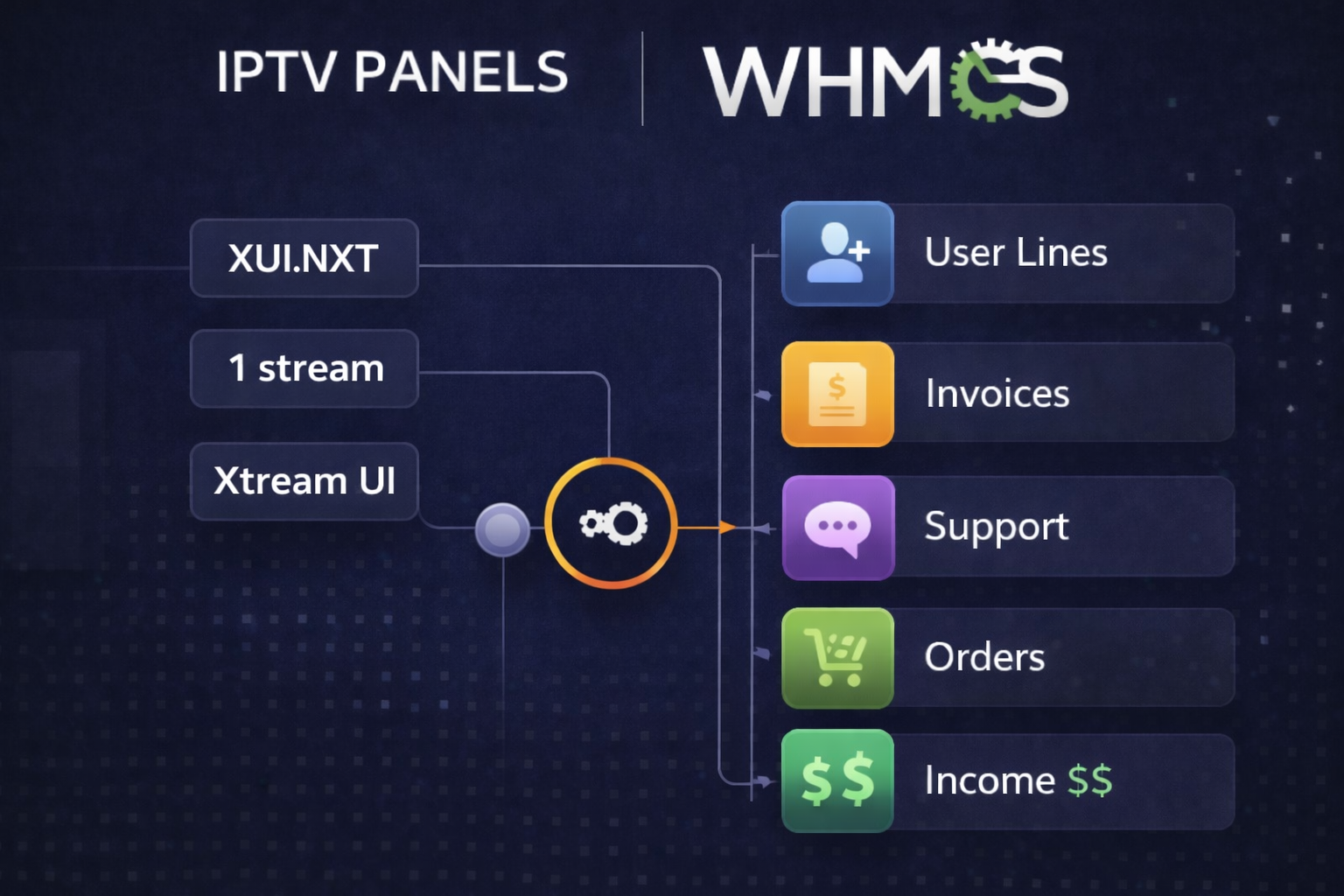
How WHMCS Helps Automate IPTV Business
WHMCS automates almost every part of your IPTV business. When a customer places an order, WHMCS processes the payment and communicates with your IPTV panel to create a user account automatically.
It also generates invoices, sends renewal reminders, suspends expired accounts, and reactivates services after payment.
This level of automation allows you to manage a large number of customers without increasing workload.
Basic Workflow of IPTV Business with WHMCS
The workflow is simple and fully automated:
Customer places order → Payment is processed → WHMCS sends API request → IPTV account is created → Login details are delivered → Subscription is managed automatically
This entire process can run without manual intervention once properly configured.
Common Mistakes Beginners Make
Many beginners try to run IPTV businesses manually without automation. This leads to delays in service activation, missed renewals, and customer dissatisfaction.
Another mistake is choosing incompatible systems that do not integrate properly. Without proper API integration, automation becomes difficult.
Ignoring scalability is also a common issue. A system that works for 50 customers may fail when you grow to 500 or more.
Scaling Your IPTV Business
Once your automation is set up, scaling becomes much easier. You can handle more customers, automate billing cycles, and expand reseller networks without additional manual effort.
Automation also helps maintain consistency and reduces operational errors.
Important Disclaimer
We do not provide any IPTV content, streams, or channel data. This content is for informational purposes only and focuses on IPTV business automation and software solutions. Service providers are responsible for ensuring they have proper rights to distribute content.
Final Thoughts
Starting an IPTV business with WHMCS is not only possible but highly efficient when combined with automation tools and proper system integration.
WHMCS allows you to build a scalable IPTV business by automating billing, customer management, and service provisioning. Instead of managing everything manually, you can focus on growing your business.
If you are looking for professional IPTV automation modules, WHMCS server modules, or custom integration solutions, you can explore available solutions at WHMCS MODULES