
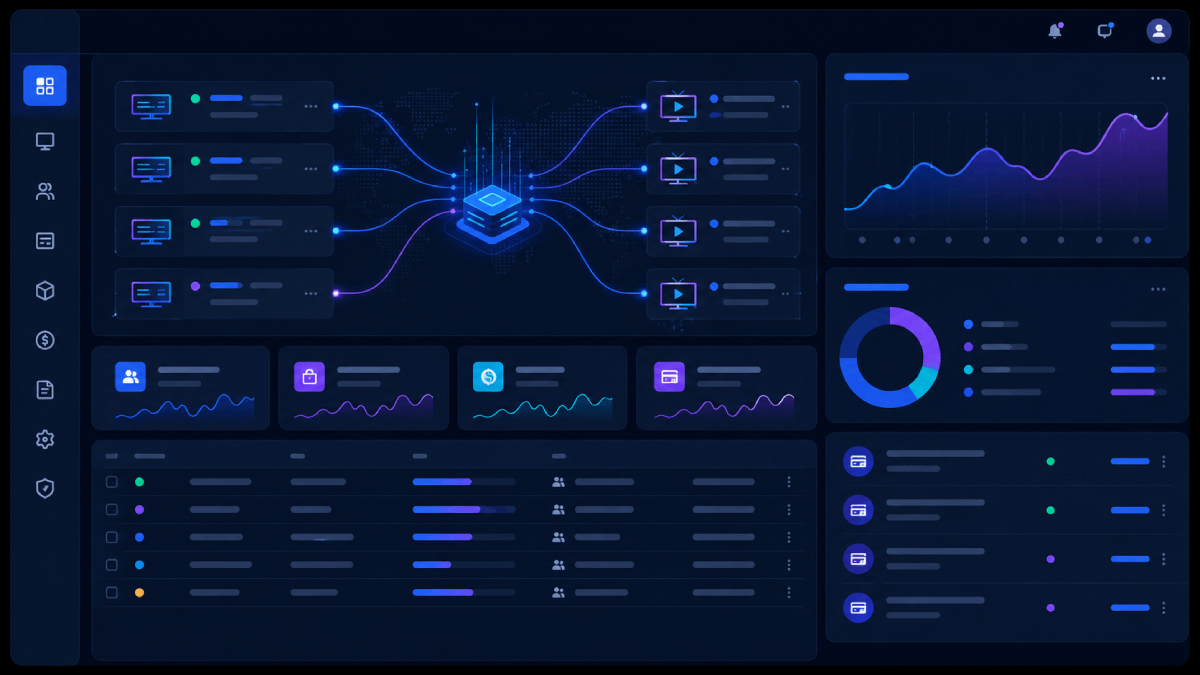
If you are running an IPTV reseller business across multiple OTT panels, managing users, MAG devices, resellers, credits, and renewals manually is not sustainable. The OTT Master Panel for WHMCS solves this by connecting your WHMCS billing system directly to your OTT panels and automating the entire service lifecycle.
This guide covers what the OTT Master Panel does, who it is for, how to install it, and how to get the most out of it after setup.
What Is the OTT Master Panel for WHMCS?
The OTT Master Panel for WHMCS is a provisioning module that bridges your WHMCS billing system with multiple supported OTT panels. Once configured, it handles the full service lifecycle automatically — from the moment a customer pays, through renewals, suspensions, and terminations — without any manual work from your team.
It supports Streamline and MAG device provisioning, bouquet management, reseller credit systems, and multi-panel connections from a single WHMCS installation.
Who Is It For?
The OTT Master Panel module is built for:
- IPTV resellers running one or more OTT panels who want to stop provisioning accounts manually
- OTT operators who need a professional billing front-end for their customers
- Hosting businesses that have added IPTV or streaming services to their product lineup
- Anyone currently using spreadsheets or Telegram to manage subscriptions and renewals
If you are activating more than 10–15 IPTV accounts per month manually, automation will pay for the module in the first week.
Key Features
Multi-Panel Support
Connect multiple OTT panels to a single WHMCS installation. Assign each WHMCS product to a specific panel or distribute load across panels automatically.
Streamline and MAG Device Provisioning
Create and manage both Streamline accounts and MAG device registrations from WHMCS. Customers receive their credentials automatically after payment.
Reseller and Credit Management
Manage reseller accounts and credits directly from the WHMCS admin area. Allocate, adjust, and monitor credits per reseller without logging into each panel separately.
Bouquet Management
Assign, update, and manage bouquets (channel packages) per customer from WHMCS. Changes sync to the panel automatically.
Automated Renewals and Suspensions
When an invoice is paid, the service renews on the panel. When an invoice goes overdue, the service suspends. When cancelled, it terminates. All without manual intervention.
Client Self-Service
Customers can view their subscription details, change passwords, download M3U playlists, and manage connections directly from the WHMCS client area.
7-Day Free Trial
Try the full module before committing. No credit card required during the trial period.
Requirements Before You Install
Before installing the OTT Master Panel for WHMCS, make sure you have:
- WHMCS 8.x or 9.x installed on a stable server
- PHP version compatible with your WHMCS release
- Valid SSL certificate on your WHMCS domain
- API access enabled on your OTT panel
- API URL, username, and password ready
Step-by-Step Installation
Step 1 — Download the Module
After purchase, download the module from your WHMCS Modules client area. You will receive a zip file containing the module files.
Step 2 — Upload to Your Server
Extract the zip and upload the module folder to your WHMCS /modules/servers/ directory. Set directory permissions to 755 and file permissions to 644.
Step 3 — Activate in WHMCS
Go to WHMCS Admin → Setup → Products/Services → Servers. Add a new server, select OTT Master Panel as the module type, and enter your OTT panel API URL and credentials.
Step 4 — Test the Connection
Use the built-in connection test before going live. This confirms your API credentials are correct and your panel is reachable from your WHMCS server.
Step 5 — Configure Your Products
Go to Setup → Products/Services and edit or create your IPTV product. Under the Module Settings tab, select OTT Master Panel and configure the package — connection limits, bouquets, trial settings, and billing cycle.
Step 6 — Set Up Automation Rules
Make sure your WHMCS cron job is running correctly. The cron job handles automatic renewals, suspensions, and terminations. Without it, automation will not trigger.
Step 7 — Test the Full Order Flow
Create a test client, place a test order, and complete a test payment. Confirm the account is created on your OTT panel, credentials are delivered by email, and the service shows as active in both WHMCS and your panel.
Common Issues and How to Fix Them
Connection Failed
Check your API URL format — most panels require the URL without a trailing slash. Verify your API username and password are correct. Check if your server firewall is blocking outbound connections to your panel IP.
Account Creation Not Triggering
Make sure the module is correctly assigned to the product under Module Settings. Confirm your cron job is running — go to WHMCS Admin → Utilities → Cron Job Log to verify.
Renewals Not Processing
This is almost always a cron job issue. If the cron is running but renewals are still failing, check the module log under Utilities → Logs → Module Log for specific error messages.
MAG Devices Not Provisioning
MAG device provisioning requires MAC address validation. Make sure the custom field for MAC address is created on the product and mapped correctly in the module settings.
Why Choose OTT Master Panel Over Individual Panel Modules?
If you only run one panel type, a single panel module like the XUI ONE or NXT Dash module may be enough. But if you run multiple panel types or plan to scale across panels, the OTT Master Panel gives you:
- A single module to manage all panel connections
- Consistent automation logic across every panel
- One place to manage resellers and credits regardless of which panel they are on
- Easier upgrades as your panel stack grows
It is the better choice for operators who are already running at scale or planning to.
Start With a Free Trial
The OTT Master Panel for WHMCS includes a 7-day free trial so you can test the full module on your live setup before purchasing. There are no recurring fees — it is a one-time payment with a lifetime license.
Get the OTT Master Panel for WHMCS →
Related Products
If you are running a specific panel type alongside the OTT Master Panel, these individual modules may also be useful:
- XUI ONE Reseller Module for WHMCS
- NXT Dash Reseller Module for WHMCS
- Xtream UI Reseller Module for WHMCS
- Stripe Checkout Module for WHMCS — add card payments to your IPTV billing