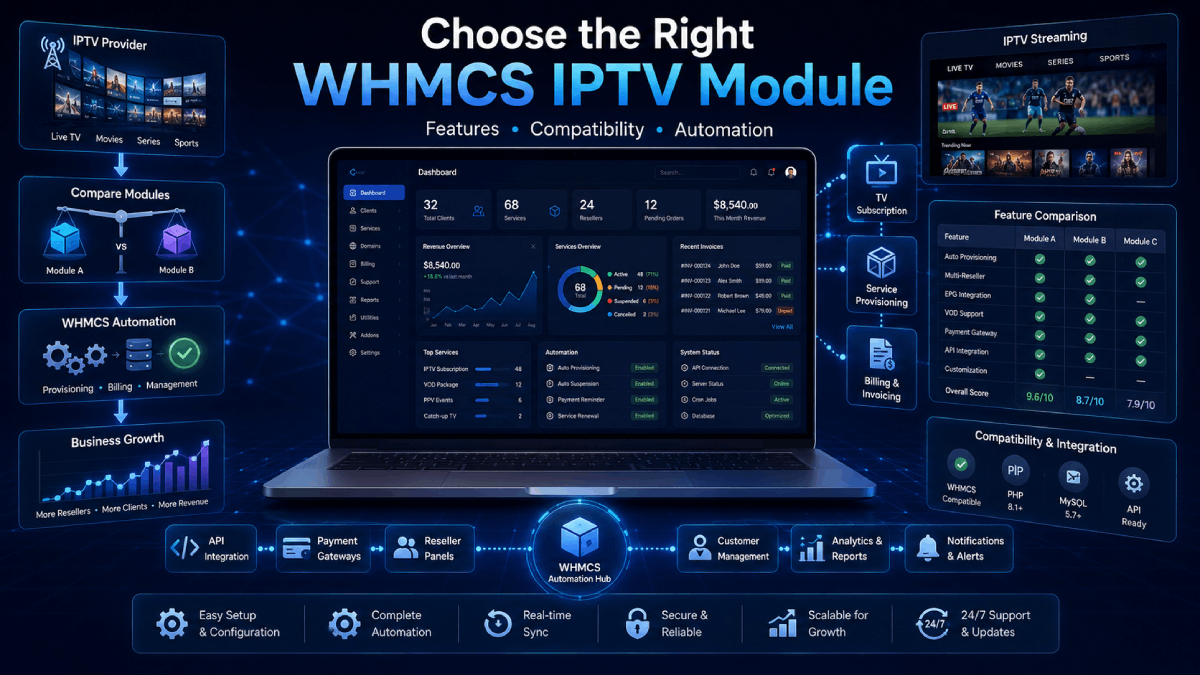
How to Choose the Right WHMCS Module for Your IPTV Business
Running an IPTV or OTT business becomes much easier when your billing, customer management, renewals, and service provisioning work together. WHMCS already gives you a strong billing foundation, but the right WHMCS IPTV module can turn it into a complete automation system for your streaming business.
Instead of creating accounts manually, checking payments one by one, updating expiry dates, or logging into different reseller panels, a WHMCS IPTV module helps automate these daily tasks from one central place.
In this guide, we’ll explain what to look for when choosing the right WHMCS IPTV module for your business. You can also explore our WHMCS OTT modules category to compare available IPTV automation solutions.
Why IPTV Businesses Need WHMCS Automation
IPTV resellers often manage many moving parts, from new customer orders and package renewals to suspensions, MAG activations, panel credits, and support requests. Handling everything manually can quickly become time-consuming and can lead to service mistakes.
Without automation, admins often need to:
Create new IPTV accounts after payment
Renew services when invoices are paid
Suspend unpaid customers
Update expiry dates inside reseller panels
Manage Streamline and MAG access
Send credentials to customers manually
A good WHMCS IPTV module helps reduce this work by connecting WHMCS with your IPTV or OTT panel.
1. Check Which IPTV Panel You Use
The first step is choosing a module that supports your IPTV or OTT panel. Each panel may use different API methods, login systems, package IDs, bouquet controls, or account types.
Popular supported panels include:
XUI ONE
Xtream UI
NXT DASH
1 Stream
Mega OTT
Golden OTT
Stream Creed
MidnightStreamer
Strong 8K
Activation Panel
If you manage multiple panels, an all-in-one OTT automation module may be a better choice because it can centralize different panel types inside WHMCS.
2. Look for Full Service Lifecycle Automation
A useful WHMCS IPTV module should do more than create accounts. It should help you manage the full service lifecycle from order to renewal, suspension, unsuspension, and termination.
Important lifecycle features include:
Automatic account creation after order approval or invoice payment
Automatic renewal when a customer pays the invoice
Suspension for unpaid invoices
Unsuspension after payment
Termination after cancellation or expiry
Package change from WHMCS admin
Expiry date synchronization
These features help keep WHMCS and your IPTV panel aligned. Your team spends less time checking accounts manually, and customers get a faster, cleaner experience.
3. Make Sure Billing Cycle Mapping Is Supported
IPTV businesses often sell different plans such as free trials, monthly packages, quarterly plans, semi-annual plans, and annual subscriptions. A strong module should map WHMCS billing cycles to the correct panel packages.
Billing cycle mapping may include:
Free or one-time plans
Monthly packages
Quarterly packages
Semi-annual packages
Annual packages
Biennial and triennial packages
Without proper billing cycle mapping, your team may need to adjust package duration manually. That increases admin work and creates room for mistakes.
4. Consider Streamline and MAG Support
Different customers may use different access methods. Some use username and password based Streamline access, while others use MAG device activation with a MAC address.
If your business supports both access types, choose a module that can handle both Streamline and MAG accounts. This gives you more flexibility and helps you serve more customers without separate manual workflows.
5. Check Client Area Features
The customer experience matters. A good WHMCS IPTV module should give clients easy access to their service information from the WHMCS client area.
Useful client area features include:
IPTV username and password display
M3U playlist link
Portal URL
Service status
Expiry date
Renewal information
Bouquet selection or updates, if supported
Copy buttons for credentials and links
These features reduce support tickets because customers can find important service details themselves.
6. Look for Sync and Logging Tools
Automation is powerful, but admins still need visibility. Sync tools and logs make it easier to troubleshoot panel connection issues, failed account creation, incorrect expiry dates, or API errors.
Important admin tools include:
Sync tools for credentials and expiry dates
API request and response logs
Error logs
Panel connection testing
Service status monitoring
Admin dashboard summary
These tools help you troubleshoot issues quickly and keep service delivery more reliable.
7. Multi-Panel Support Can Save Time
If you use more than one reseller panel, multi-panel support is very important. It lets you manage different platforms, assign products to different panels, and monitor service delivery from one WHMCS dashboard.
With multi-panel support, you can:
Add multiple IPTV or OTT panels
Assign products to specific panels
Monitor panel status
Manage services from one WHMCS admin area
Reduce the need to switch between panel accounts
For growing IPTV businesses, multi-panel support can reduce daily admin work and make service management much easier.
8. Security and Compatibility Matter
Before buying a module, check that it is compatible with your WHMCS environment and follows secure integration practices.
Important technical checks include:
Compatibility with the latest WHMCS version
PHP compatibility
Secure API or credential storage
No core WHMCS file modifications
Theme compatibility
Regular updates and technical support
A module should make your business easier to run, not create maintenance problems.
9. Choose Based on Your Business Size
The best module depends on how your business operates. A small reseller using one panel may only need a single-panel module, while a larger business managing several platforms may benefit from an all-in-one OTT master module.
For example, if you only use one panel such as XUI ONE or Xtream UI, a dedicated module may be the simplest option. If you manage several different panels, a centralized OTT automation module can provide better long-term control.
Related WHMCS Automation Tools
IPTV automation becomes even stronger when combined with other WHMCS tools. For example, you may also need WHMCS payment gateways for secure payments, or WHMCS addon modules for notifications, fraud control, support automation, free trials, and customer management features.
Final Thoughts
Choosing the right WHMCS IPTV module is about more than picking a product name. You should look at your panel, billing model, customer experience, automation needs, and support requirements.
The right module can help you save time, reduce manual errors, improve renewals, and provide a better experience for your customers. If your IPTV business is growing, WHMCS automation is one of the best ways to make your operations more reliable and scalable.
Explore our WHMCS OTT modules to find automation solutions for IPTV and OTT reseller businesses.