Description
SumUp Payment Gateway for WHMCS
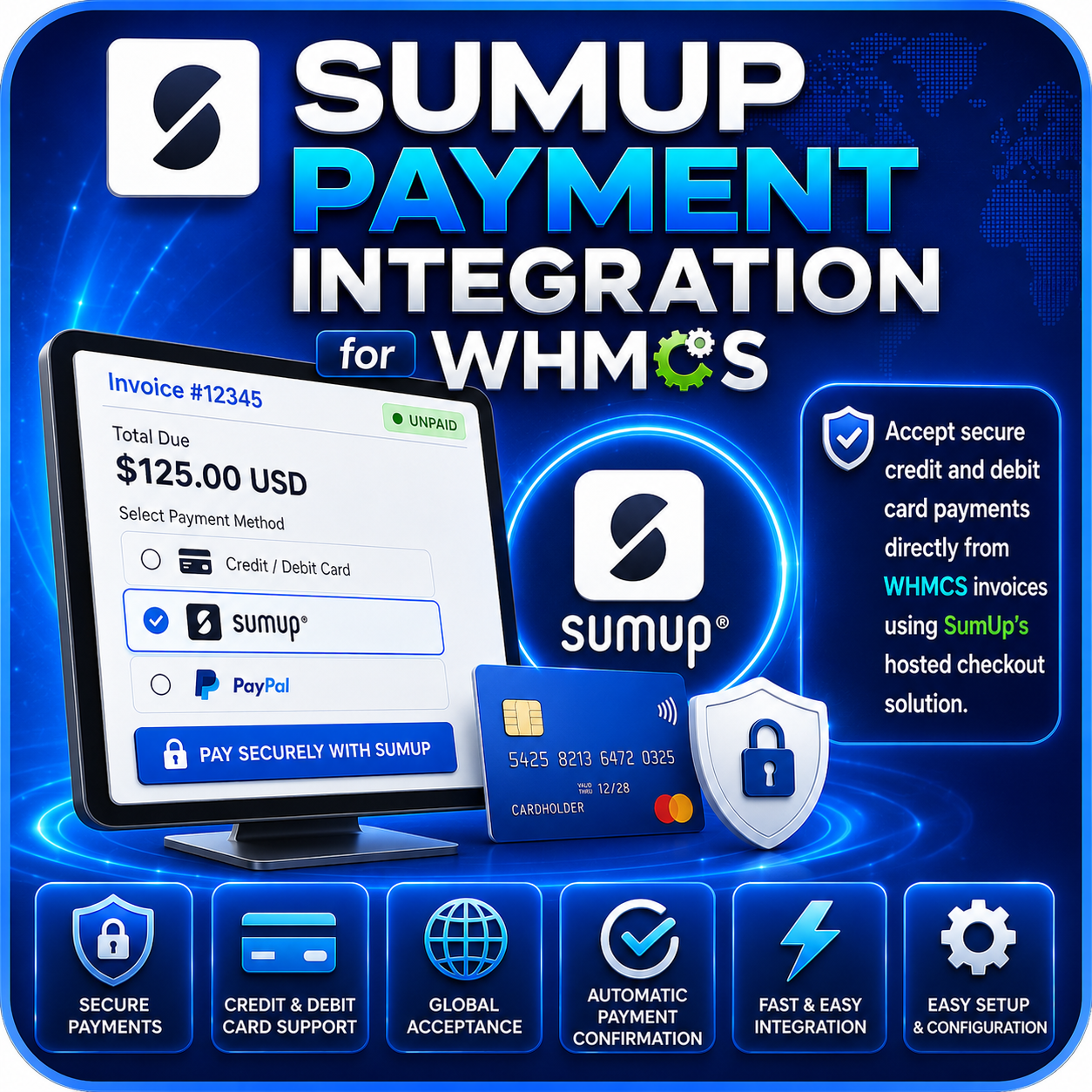
SumUp Payment Gateway for WHMCS connects your WHMCS billing system with your SumUp merchant account, allowing customers to pay eligible invoices using supported credit and debit cards.
The module creates a SumUp checkout for each invoice, securely submits the payment through the SumUp API, supports additional card verification when requested, and records successful transactions in WHMCS.
Card Payments Through WHMCS
- Accept supported credit and debit card payments for WHMCS invoices.
- Process one-time payments using your SumUp merchant account.
- Send the invoice amount, currency, reference, and description to SumUp.
- Use the standard WHMCS card-payment workflow.
- Display clear payment results to customers after processing.
SumUp Checkout Integration
- Create a unique SumUp checkout linked to the WHMCS invoice.
- Store the relationship between the invoice and SumUp checkout for verification.
- Authenticate API requests using a SumUp Client ID and Client Secret.
- Direct payments to the configured SumUp merchant email address.
- Retrieve the checkout status from SumUp when verification is completed.
Additional Card Verification
- Recognize when SumUp requires an additional customer verification step.
- Redirect the customer to the verification page supplied by SumUp.
- Check the SumUp checkout status after the customer returns.
- Apply the payment only when SumUp reports a successful paid status.
- Return the customer to the appropriate WHMCS payment result page.
Automatic Payment Results
- Return successful transactions to WHMCS with a SumUp transaction identifier.
- Mark the applicable invoice as paid through the WHMCS gateway workflow.
- Return declined responses when authentication, checkout creation, or payment fails.
- Prevent incomplete verification attempts from being treated as successful payments.
- Keep customers informed about the result of their payment attempt.
Transaction Logging
- Record SumUp payment responses in the WHMCS transaction log.
- Log successful and failed verification results.
- Store the SumUp transaction reference with completed payments.
- Use recorded responses to investigate declined or interrupted payments.
Simple Gateway Configuration
- Install the integration as a standard WHMCS payment gateway.
- Configure your SumUp merchant email address.
- Enter your SumUp Client ID and Client Secret.
- Activate or deactivate the gateway from the WHMCS administration area.
- Use the integration without modifying WHMCS core files.
One-Time Payment Workflow
The module is designed for customer-authorized, one-time card payments. It requires the customer’s card verification details during payment and does not automatically charge saved cards for future recurring invoices.
Refund Management
Refunds are managed through the SumUp merchant dashboard. This gives administrators direct control over refund processing and the related SumUp transaction records.
Why Choose This Module?
- Expand Card Payment Options: Offer SumUp to customers paying WHMCS invoices.
- Automatic Invoice Processing: Record successful card payments against the correct invoice.
- Verification Support: Handle additional SumUp card-authentication steps when required.
- Clear Transaction Records: Keep payment responses and identifiers available in WHMCS.
- Simple Setup: Connect using your merchant email and SumUp application credentials.
- Native WHMCS Integration: Process payments through the existing invoice workflow.
Ideal For
- Web hosting companies
- SaaS and digital service providers
- Freelancers and agencies
- Online businesses using WHMCS
- Merchants with an eligible SumUp account
Connect SumUp with Your WHMCS Billing
SumUp Payment Gateway for WHMCS provides a practical way to accept one-time card payments through your SumUp merchant account. With checkout creation, additional card verification support, automatic payment results, invoice integration, and transaction logging, it brings SumUp card processing into your existing WHMCS billing workflow.